How to make a wavetable from any sound
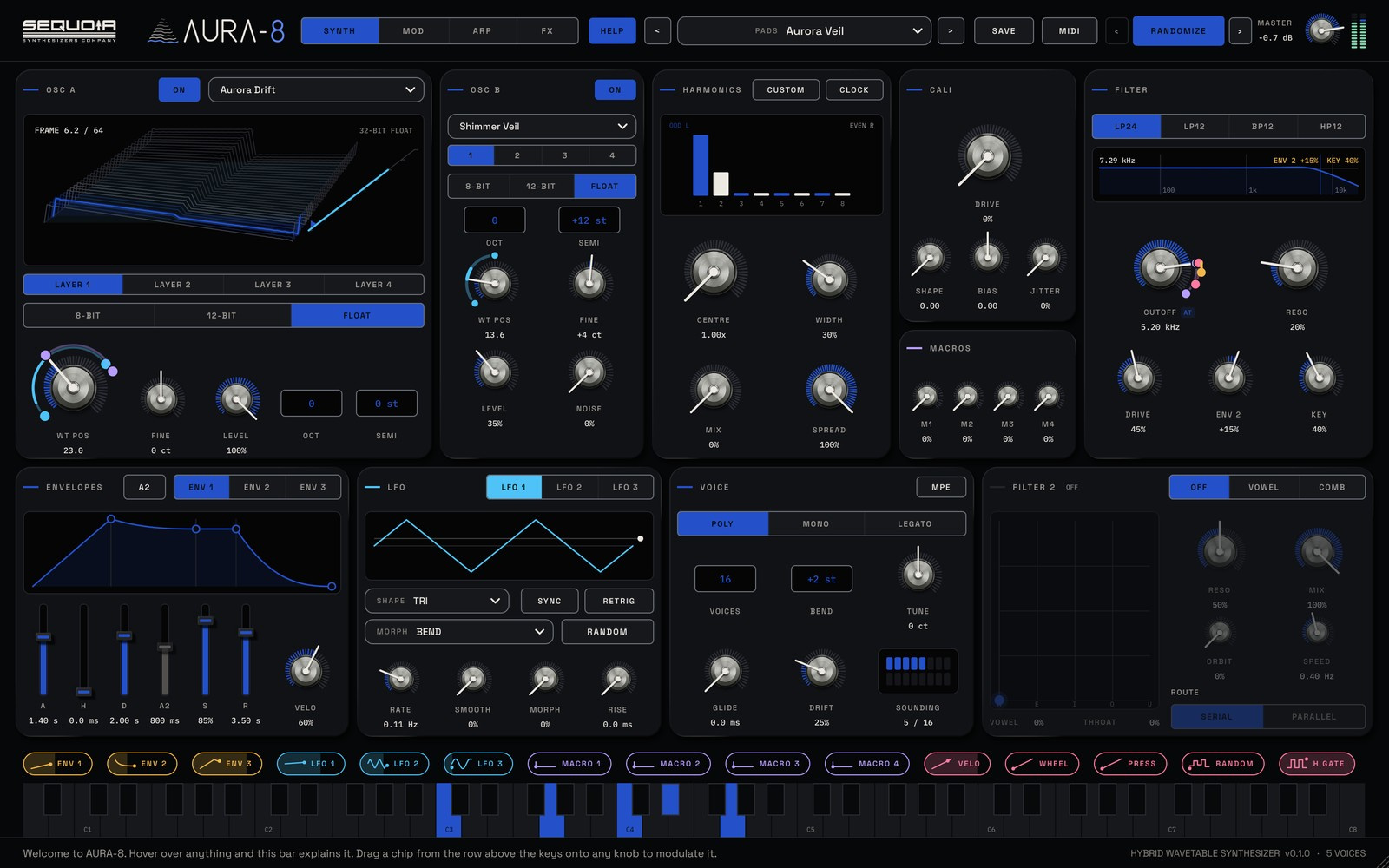
Factory wavetables only go so far. Your own recordings, a sung vowel, a bowed string or a synth from your studio, make tables nobody else has. AURA-8 turns any audio file into a playable 64-frame wavetable when you drop it on the display.
What a wavetable is
A wavetable is a series of single-cycle waveforms, called frames, played one at a time. Moving through the frames changes the tone smoothly, which is why wavetable synths are so good at evolving sounds. In AURA-8 each table has 64 frames.
Pick a good source
- Use a steady, sustained note. AURA-8 builds the table from the sound's pitch, so a clear pitch gives a clean table.
- Sounds that change slowly make the most musical tables: a vowel that opens, a string bowed harder, a filter sweep from hardware.
- Avoid drum hits and noisy, unpitched sounds unless you want something wild.
Drop it in
Drag an audio file onto the wavetable display, or open the TABLE menu and choose Load a wavetable or sound. WAV, AIFF, FLAC, MP3 and OGG files work. A file that is already a wavetable (single-cycle frames end to end) loads as it is; any other sound is turned into a 64-frame table.
Loaded files are copied to your wavetables folder and listed under YOUR WAVETABLES in the menu, one click away next time.
Play through it
Turn WT POS to move through the frames, then drag an LFO or envelope chip onto it so the table plays itself. Each oscillator can stack up to four layers, so you can blend your new table with a factory one and balance them from the tabs.
Shape the result
- ERA sets the resolution: 8-bit crunch, 12-bit sparkle or pristine float.
- The eight harmonic taps with CENTRE, WIDTH and SPREAD pick which partials come through.
- The CALI transistor folder and WEST FOLD add harmonics and grit.
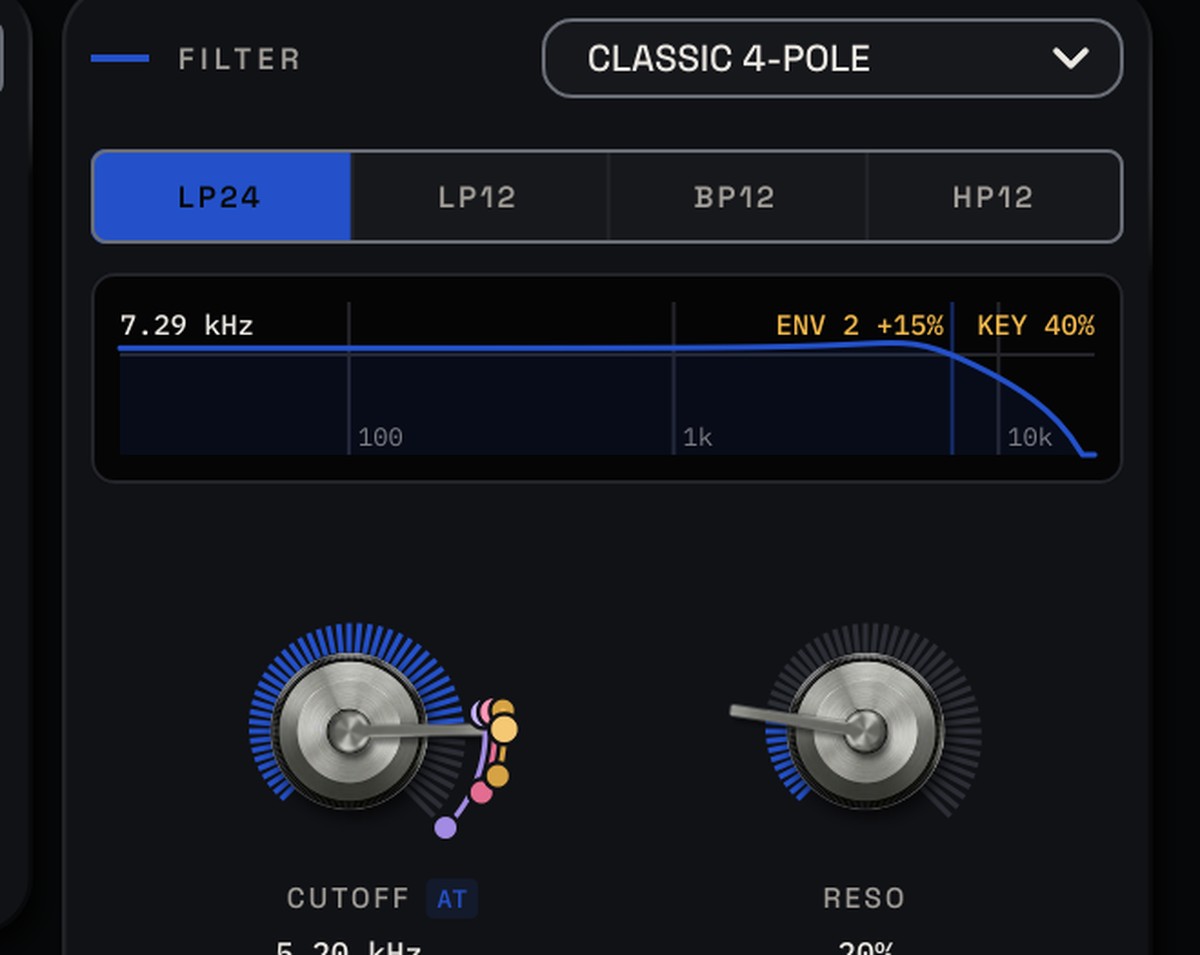
- Nine filter models, plus a vowel or tuned comb filter, finish the tone.
If a dropped file won't load, check its format and that it holds a clear, sustained pitch.