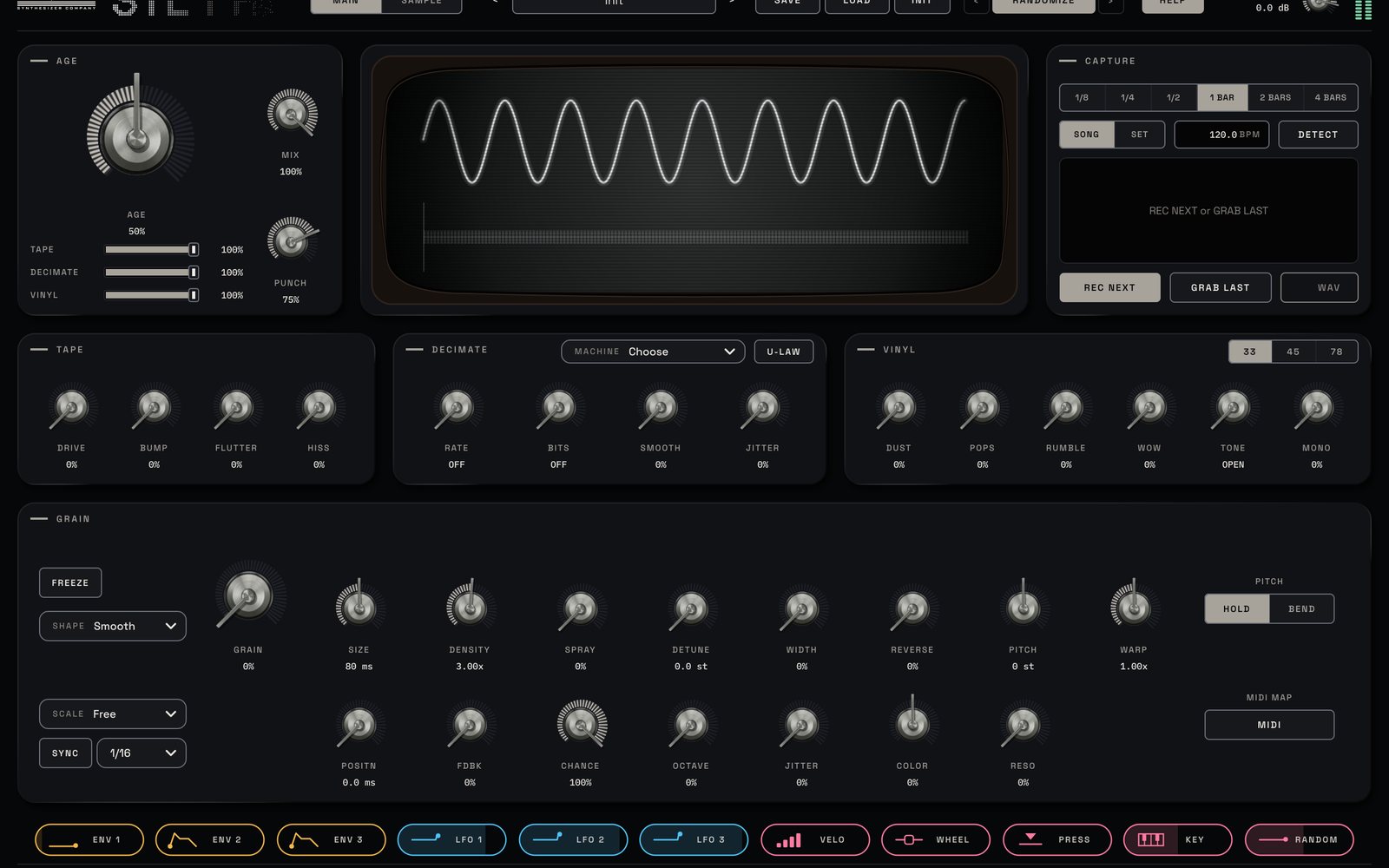
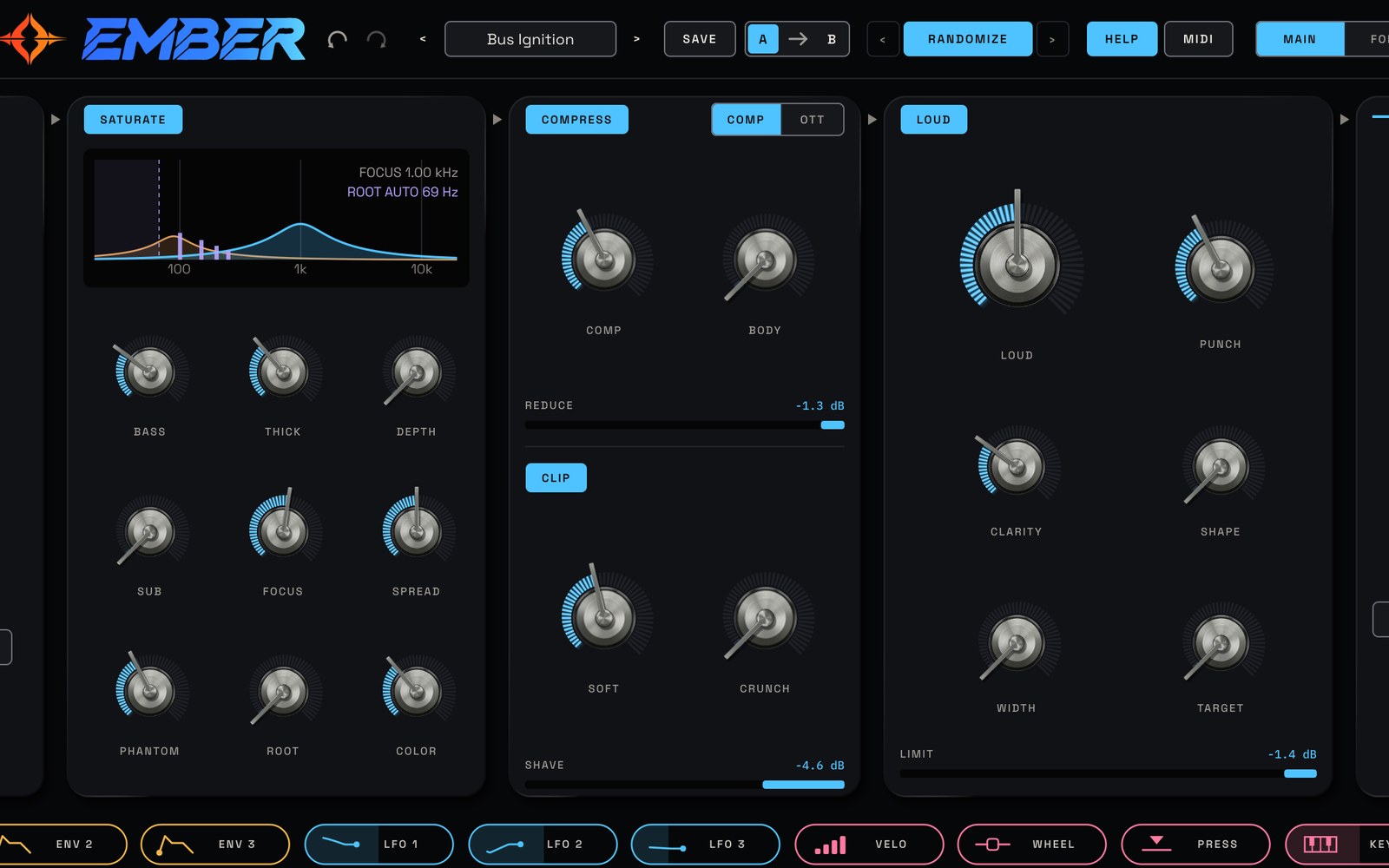
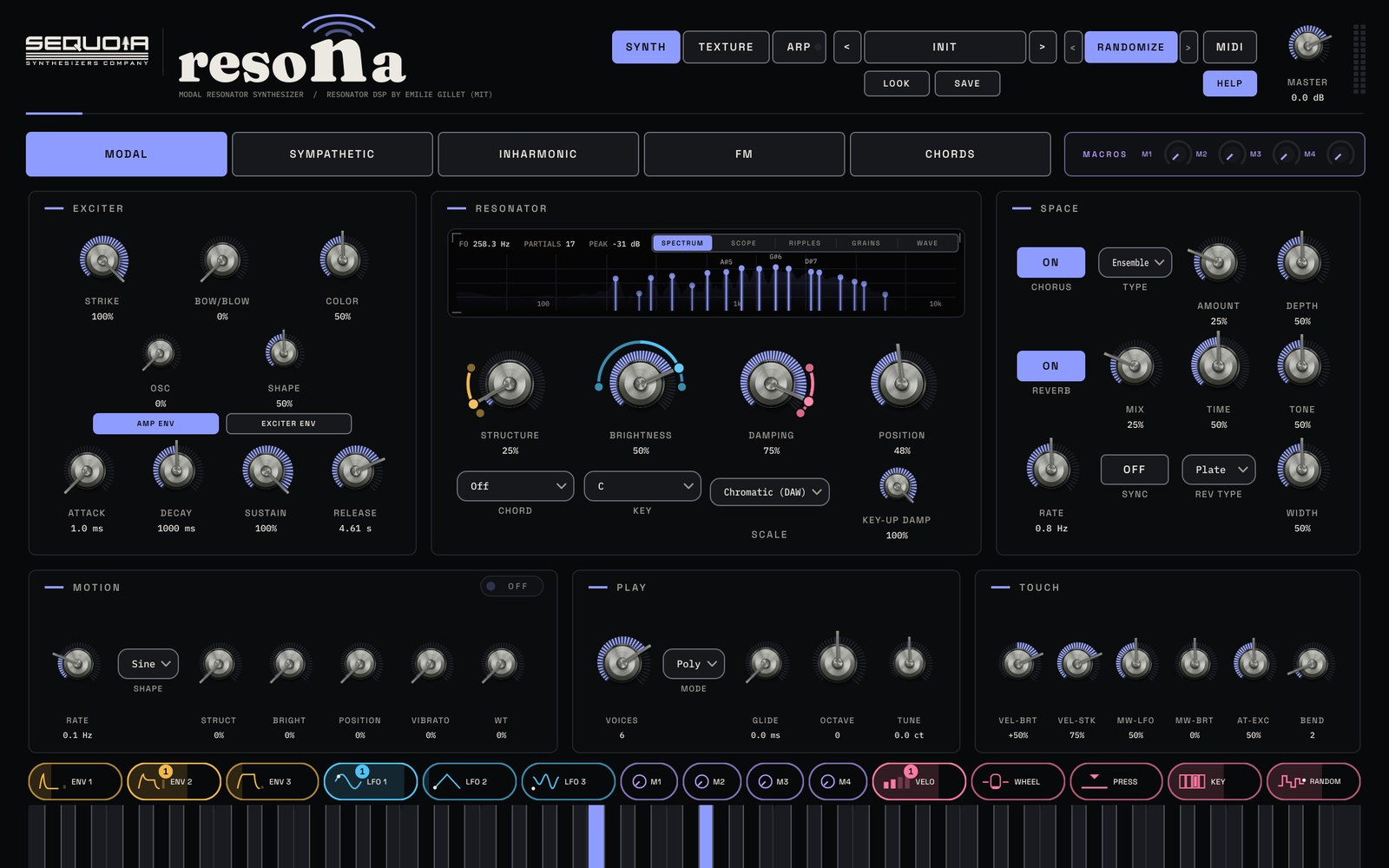
CLEARINGMastering EQ and mix clarity plugin
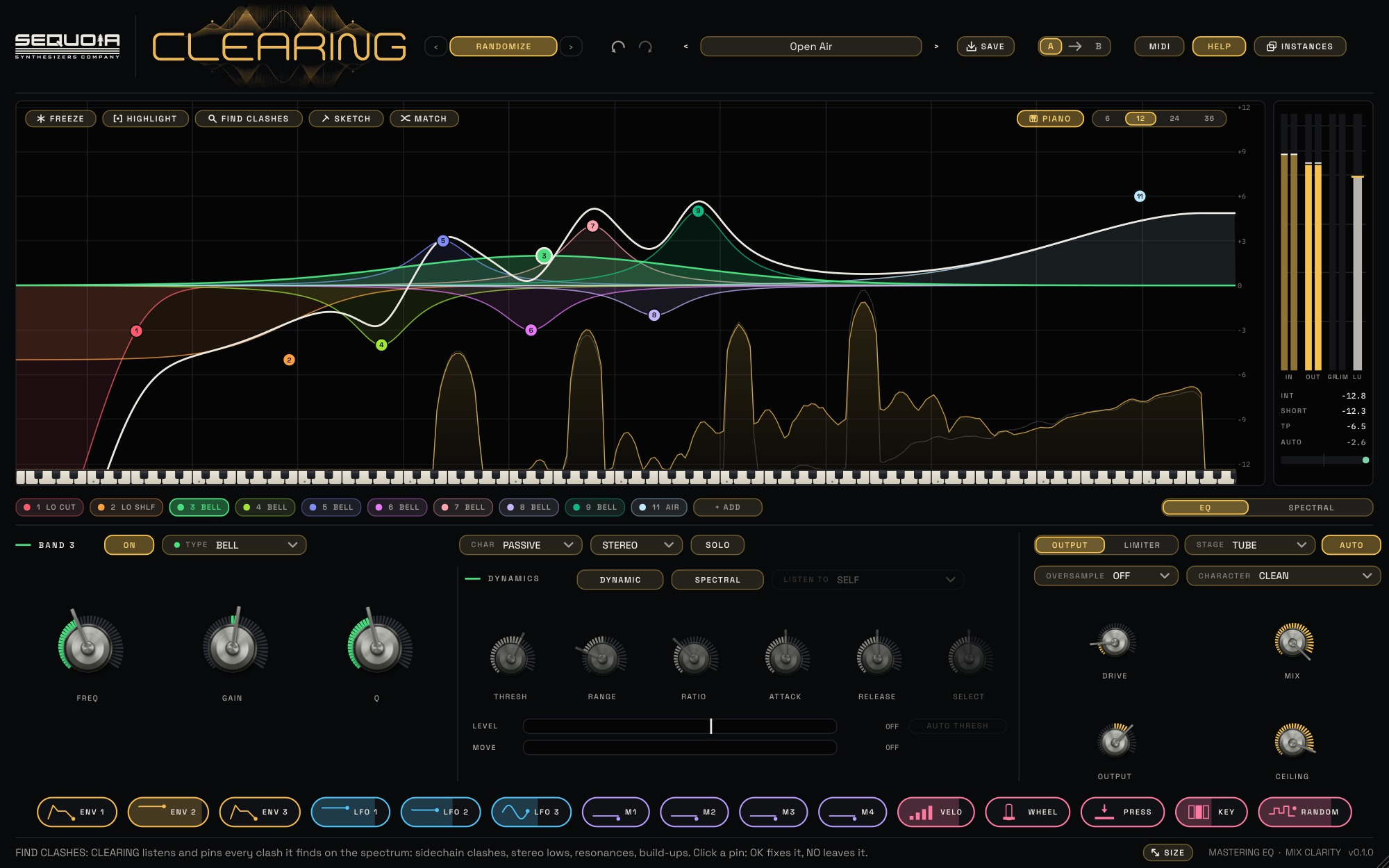
Clear the mix. Move the partials. CLEARING is a mastering equalizer with smooth, analog-shaped curves and no latency, a live spectrum you can freeze, and HIGHLIGHT: drag across the part that sounds crowded, press OK, and CLEARING builds the fix. Dynamic bands duck the bass under the kick, and a 48-band spectral sequencer moves the partials of your mix in time, so the whole spectrum grooves.
CLEARING Trailer
Play, shape, move
PLAY
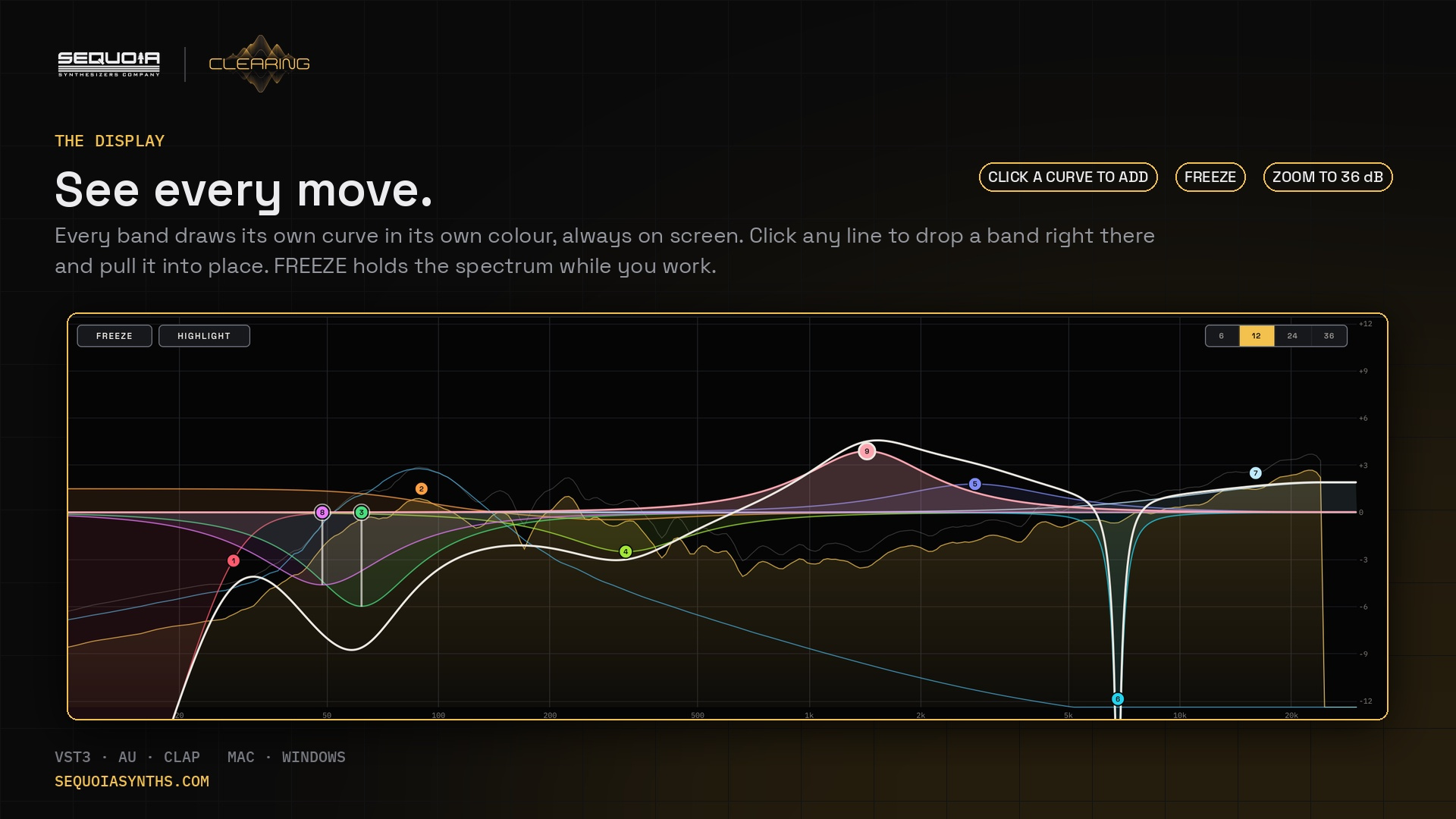
Put it on a track or the mix bus and press play. Click any curve to add a band and pull it into place. AUTO keeps the level steady, so you judge the tone, not the volume, and A / B compares two settings.
SHAPE
24 bands with ten shapes, each in its own colour. CLEAN, PASSIVE, TUBE or IRON character per band, MID / SIDE per band, and a TUBE or IRON output stage with DRIVE.
MOVE
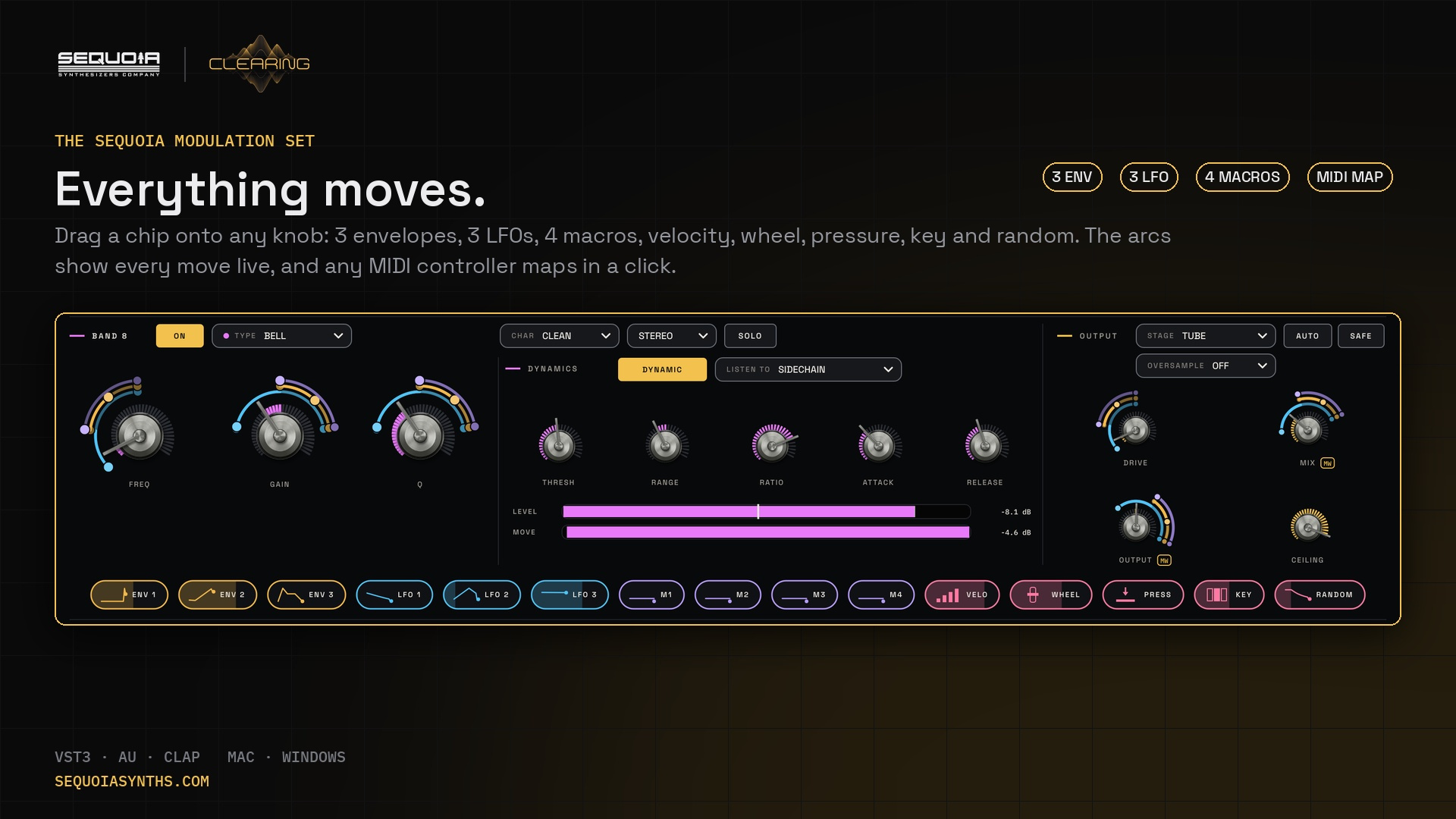
Dynamic bands that listen to themselves or the sidechain, the SPECTRAL step sequencer, and the full Sequoia modulation set: drag a chip onto any knob.
Main features
The EQ
- 24 bands: bell, shelves, cuts (6 to 96 dB/oct), notch, band pass, tilt, air, all-pass
- True analog curves to the top of the spectrum, zero latency
- CLEAN, PASSIVE, TUBE and IRON character on every band
- Stereo, left, right, MID or SIDE per band, with SOLO
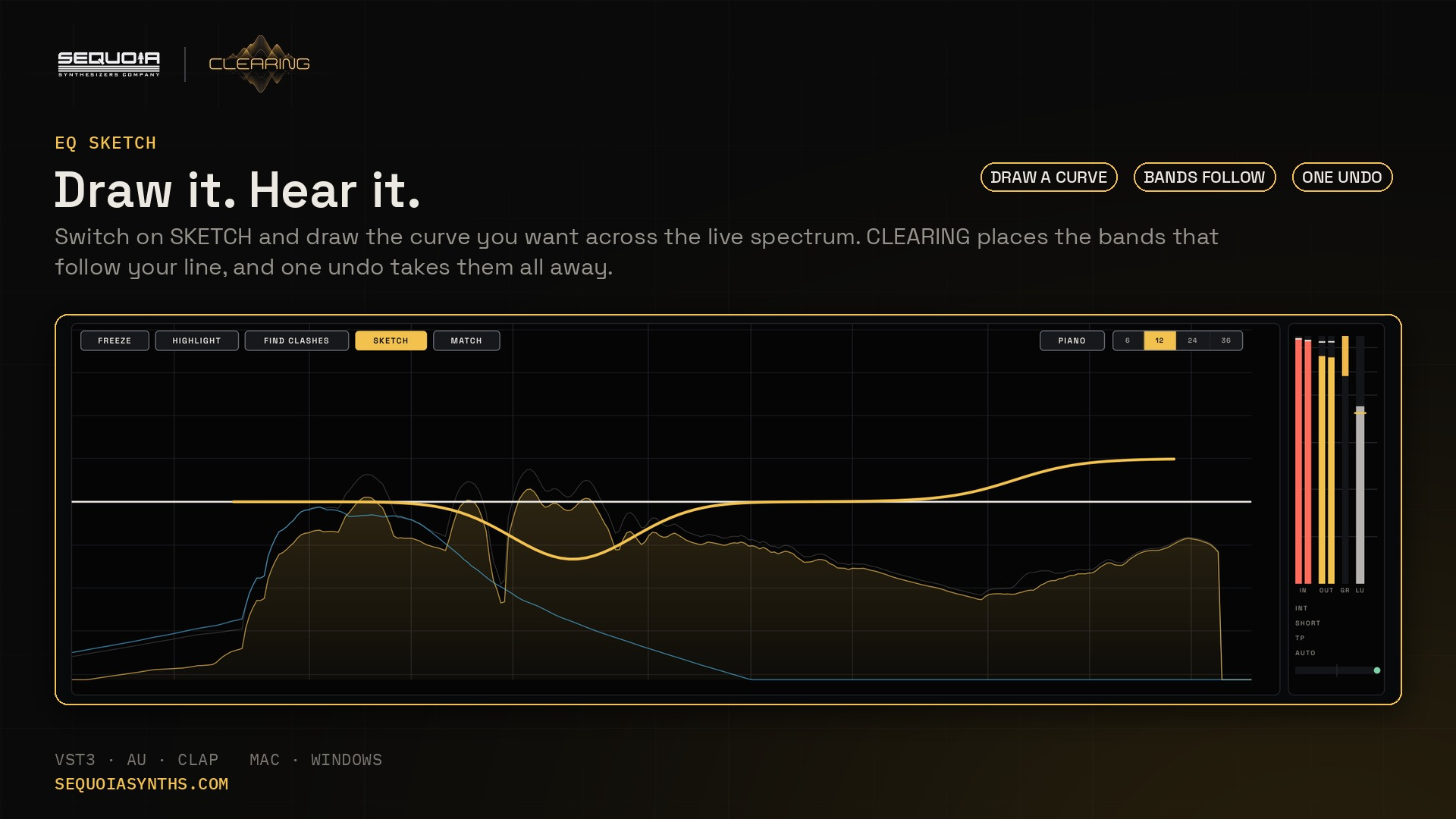
- EQ SKETCH: draw a curve, CLEARING places the bands
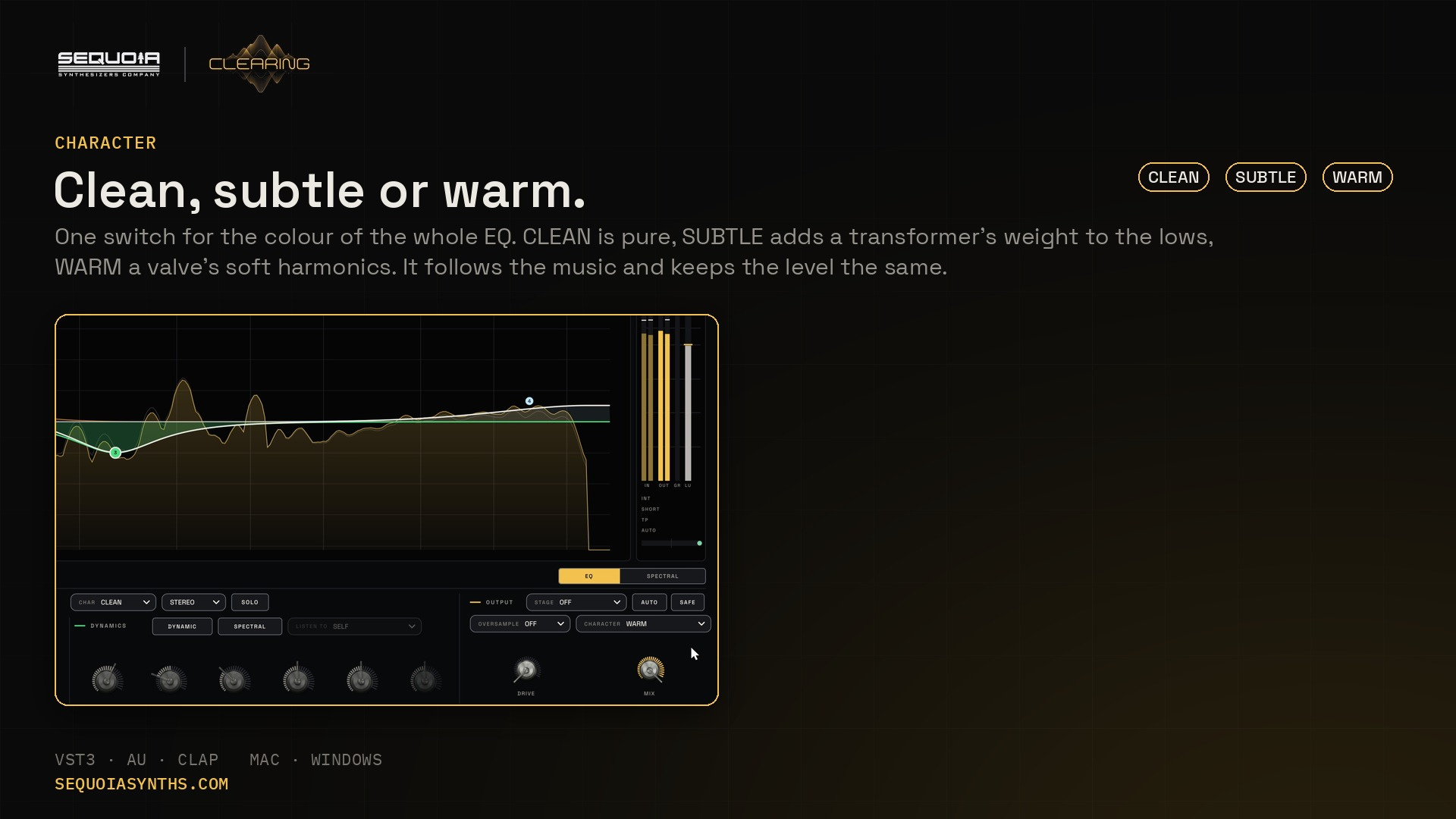
- CHARACTER for the whole EQ: CLEAN, SUBTLE or WARM
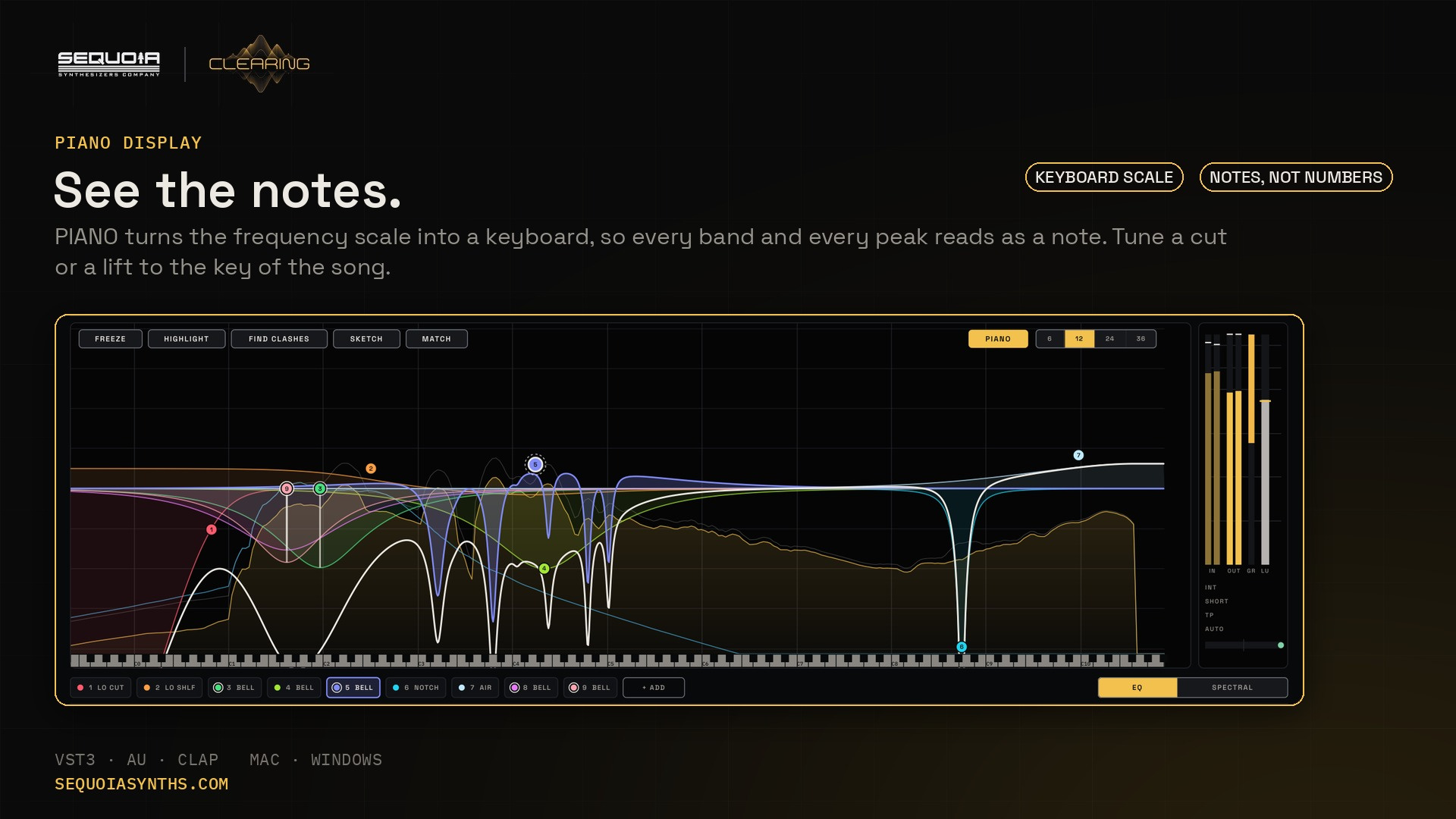
- PIANO display: the frequency scale as a keyboard
Find and fix
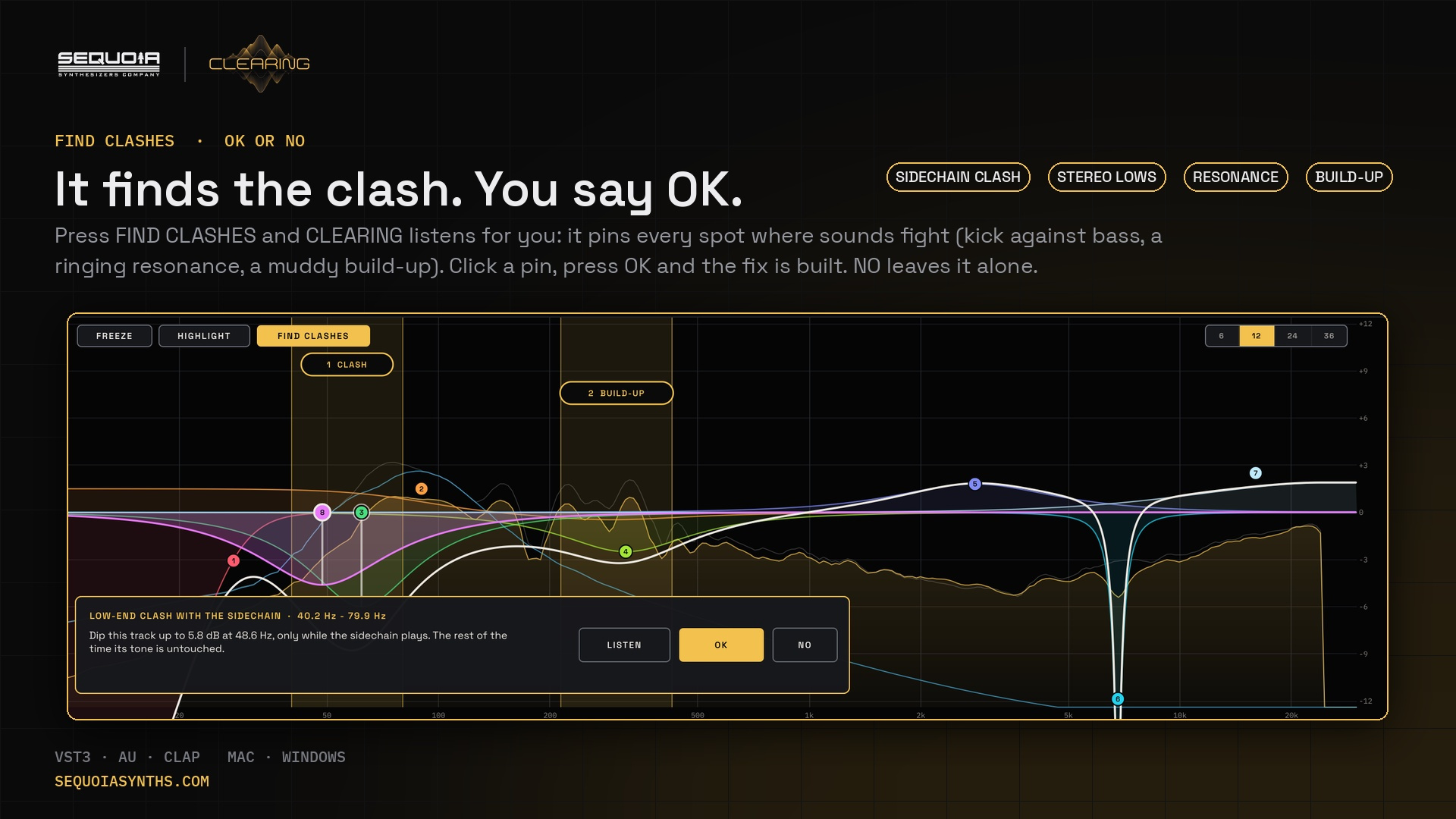
- HIGHLIGHT finds sidechain clashes, stereo lows, resonances and build-ups
- LISTEN to just that area, OK adds the fix
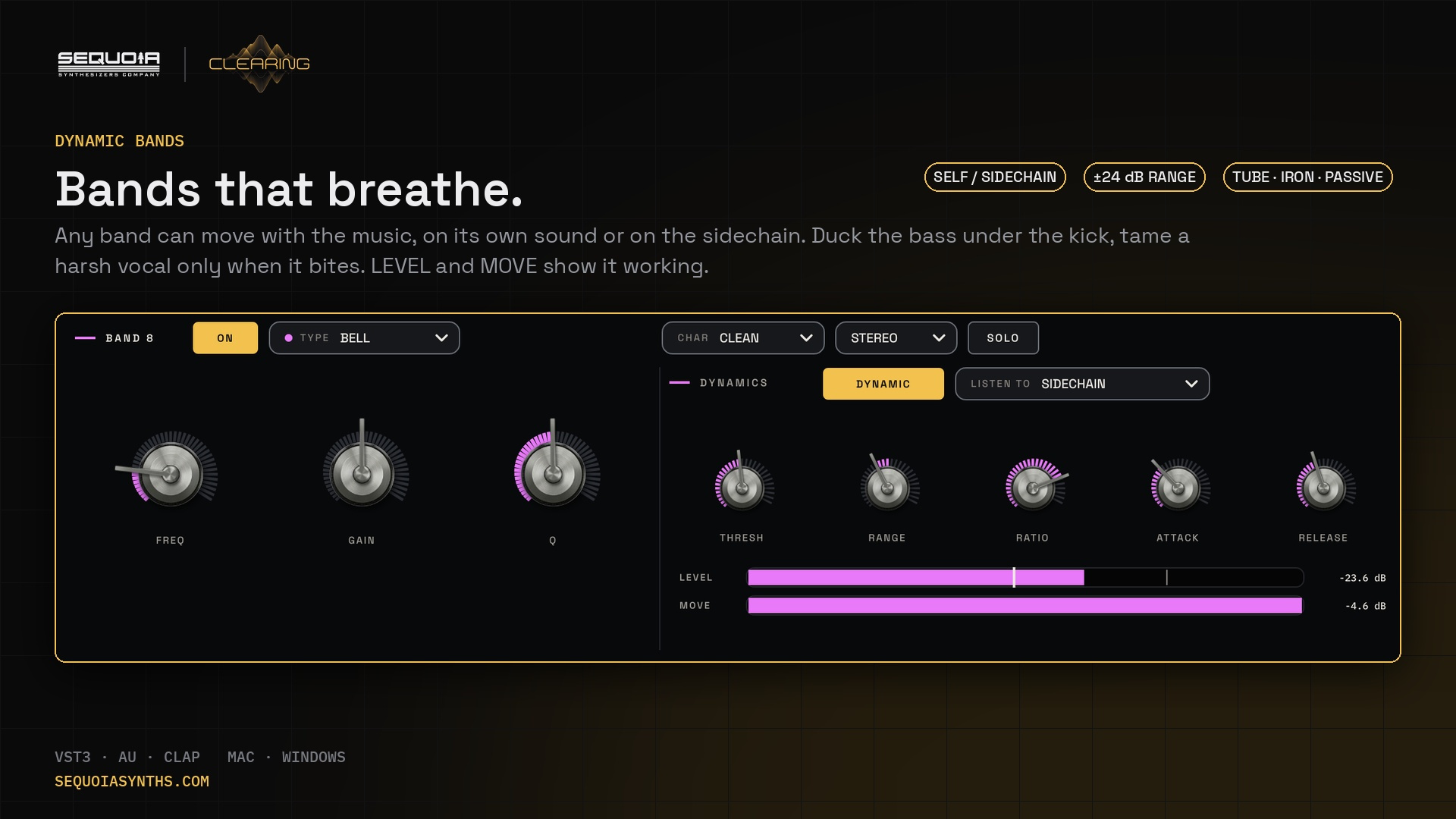
- Dynamic bands with THRESH, RANGE, RATIO, ATTACK and RELEASE
- Self or sidechain, with LEVEL and MOVE meters
- AUTO THRESH follows each band's usual level
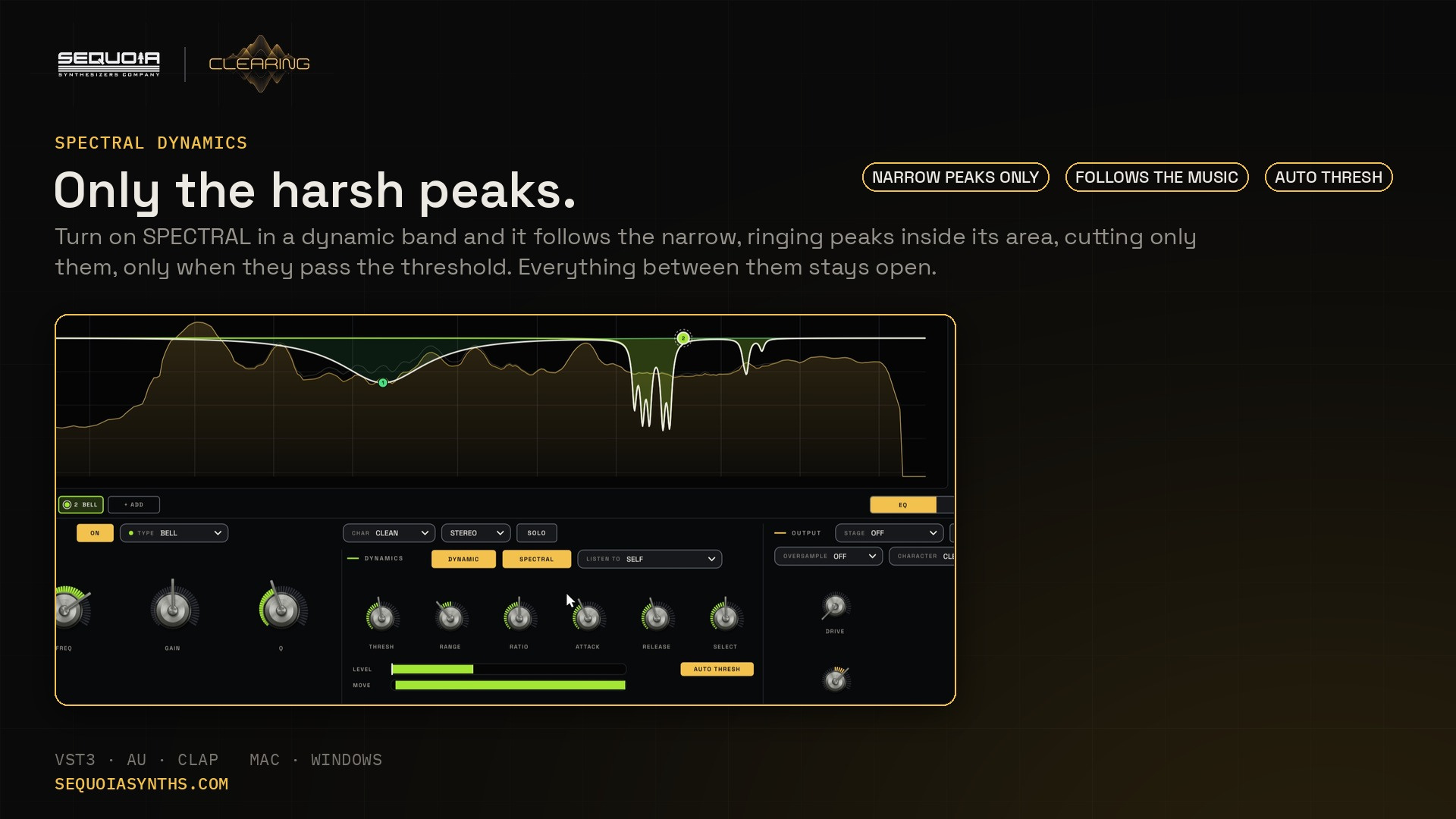
- SPECTRAL dynamics: only the narrow, ringing peaks
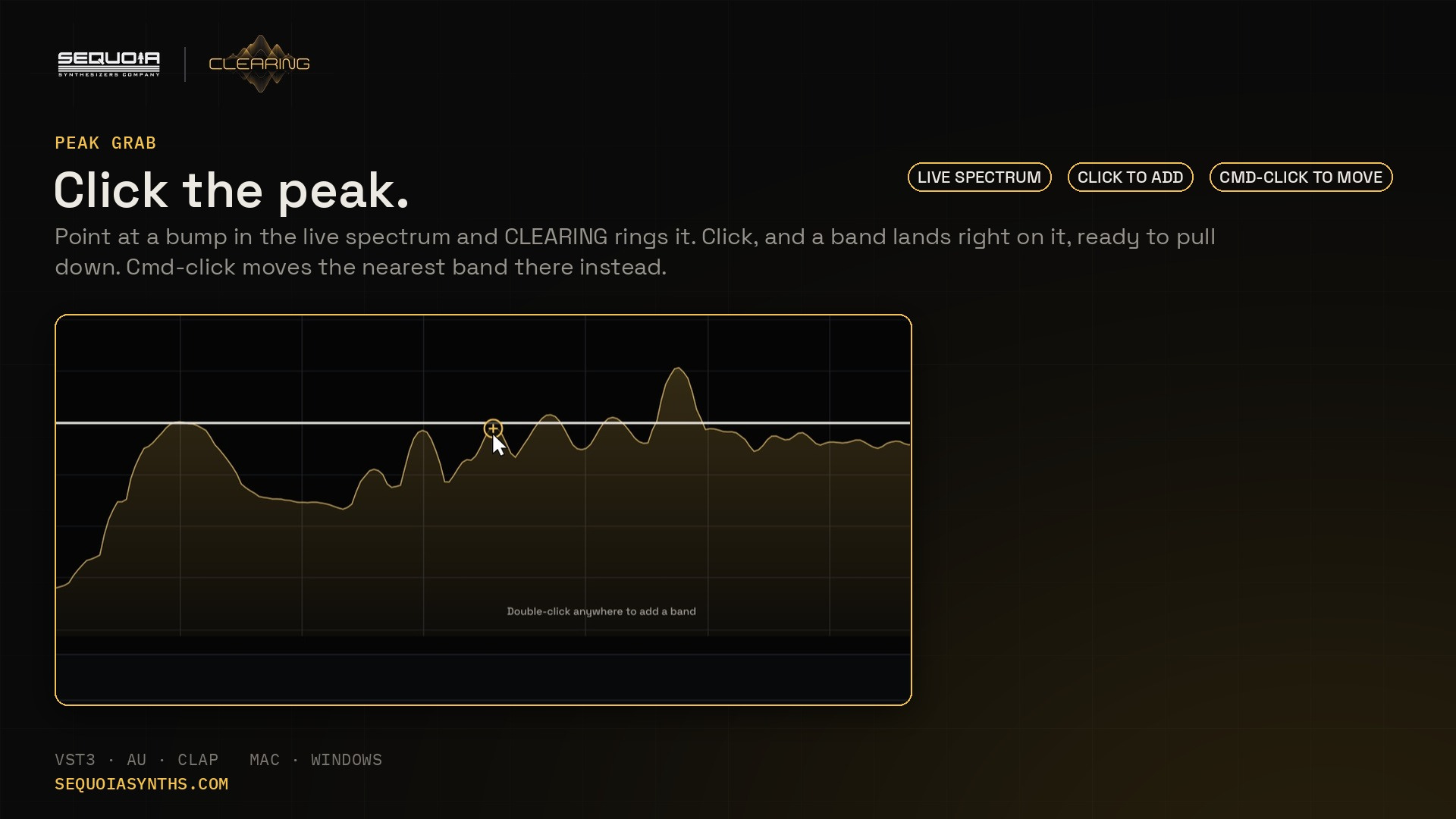
- PEAK GRAB: click a peak in the analyzer for a band on it
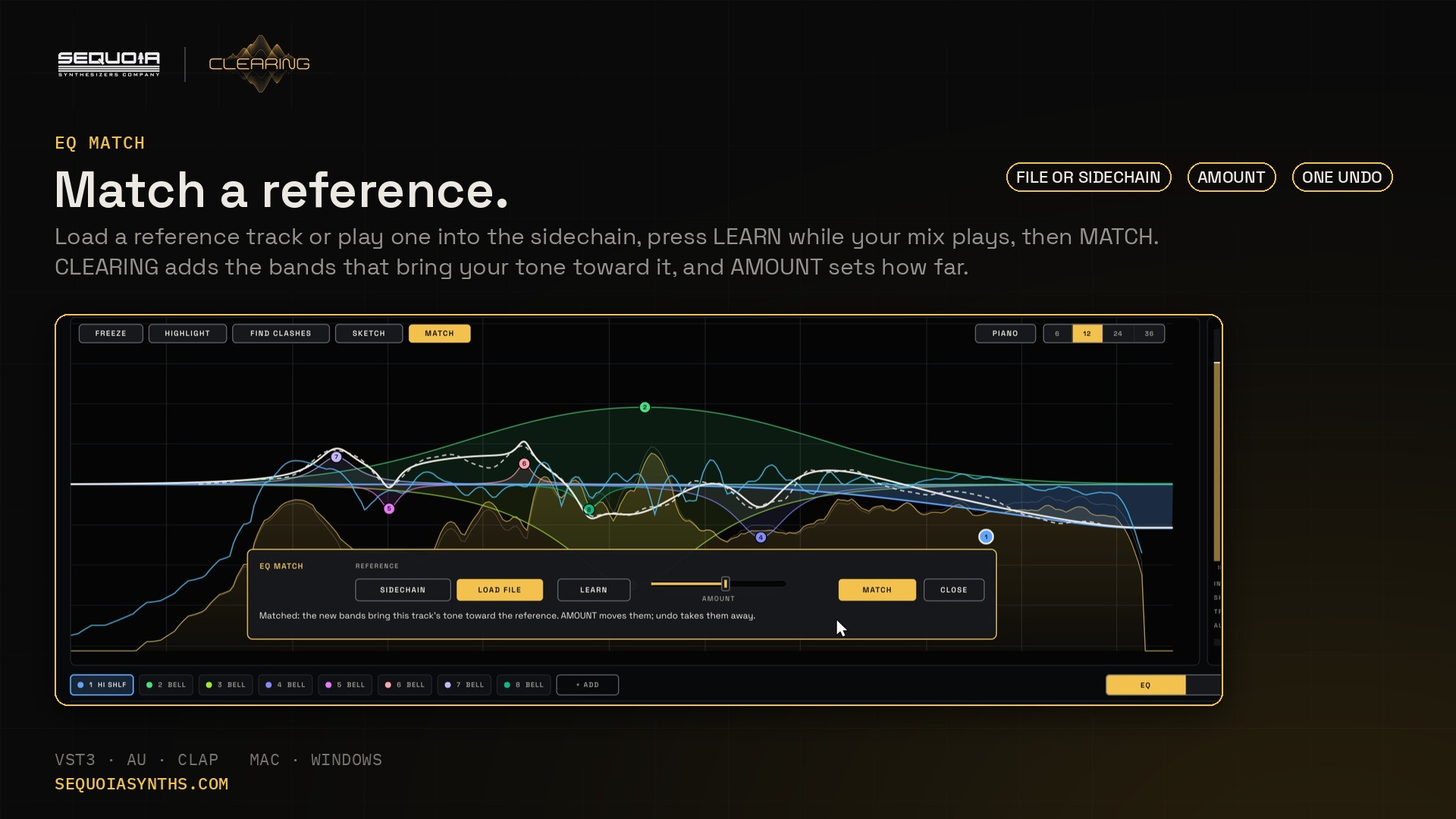
- EQ MATCH to a reference file or the sidechain
SPECTRAL sequencer
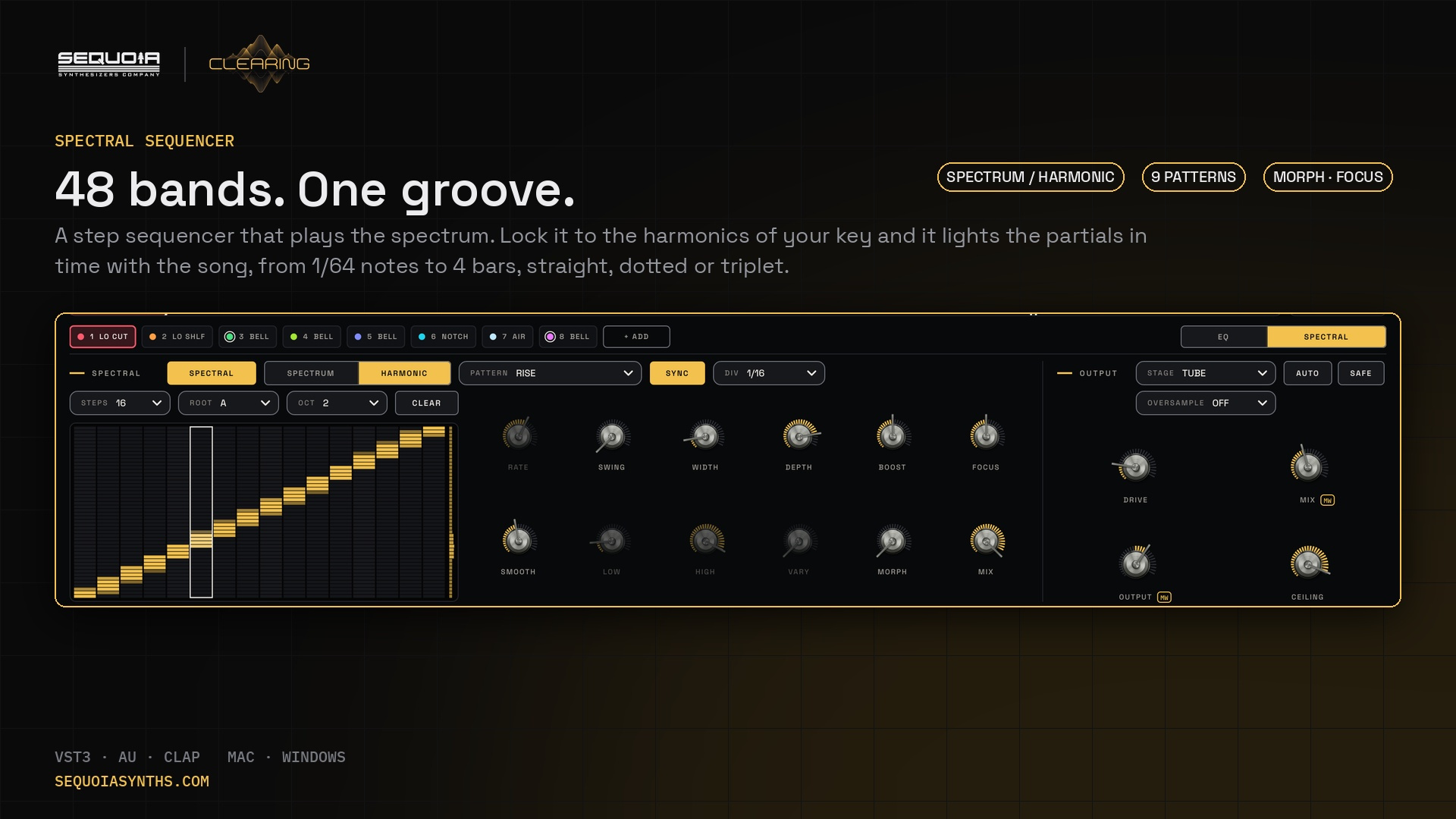
- 48 bands, SPECTRUM or HARMONIC (in key)
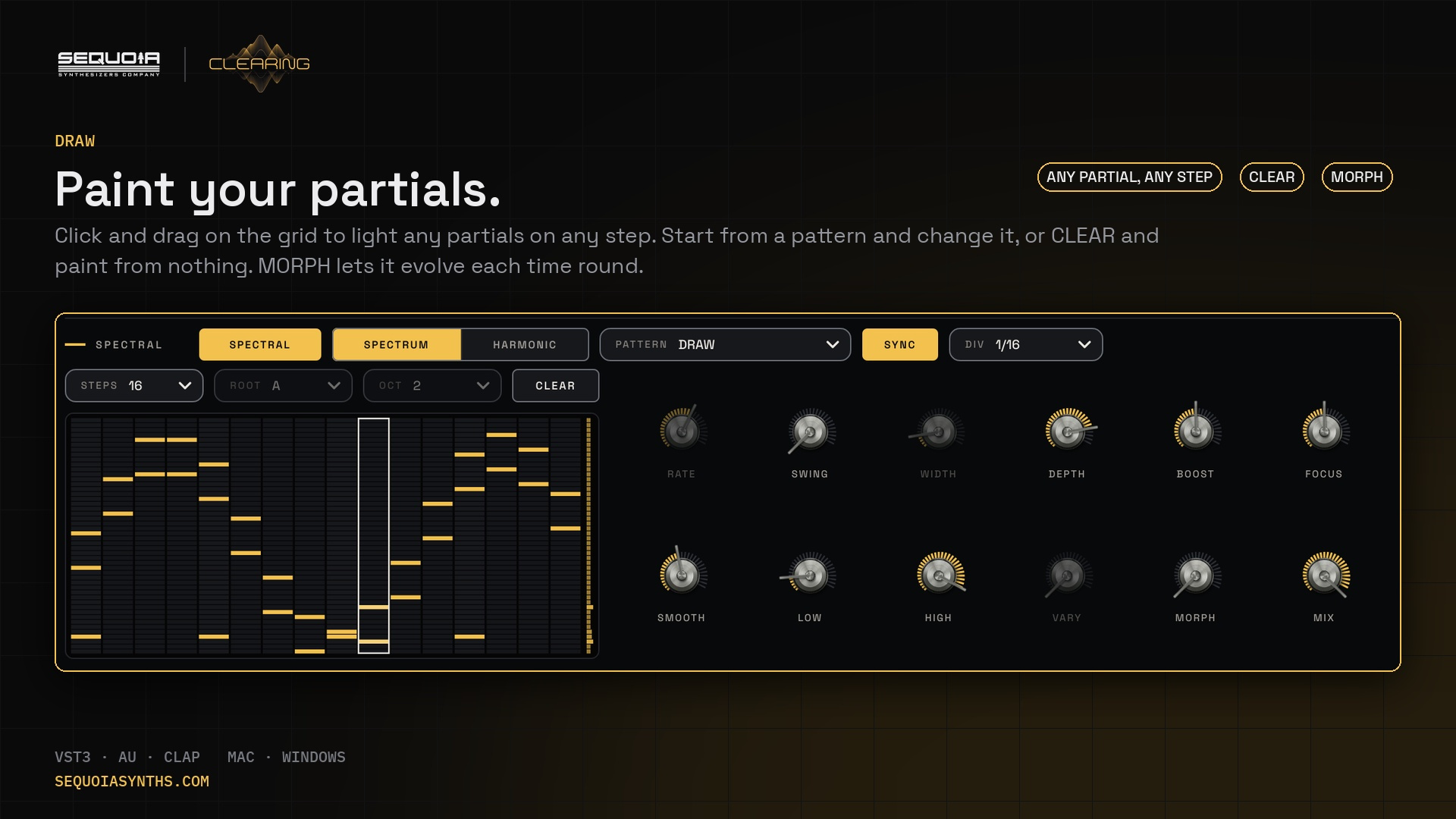
- 9 patterns, or DRAW your own partials
- 1/64 to 4 bars, dotted and triplet, with SWING
- MORPH, FOCUS, DEPTH, BOOST and MIX
Output and meters
- TUBE or IRON stage with DRIVE, AUTO level, MIX, OUTPUT
- SAFE ceiling: a soft clipper that no peak passes
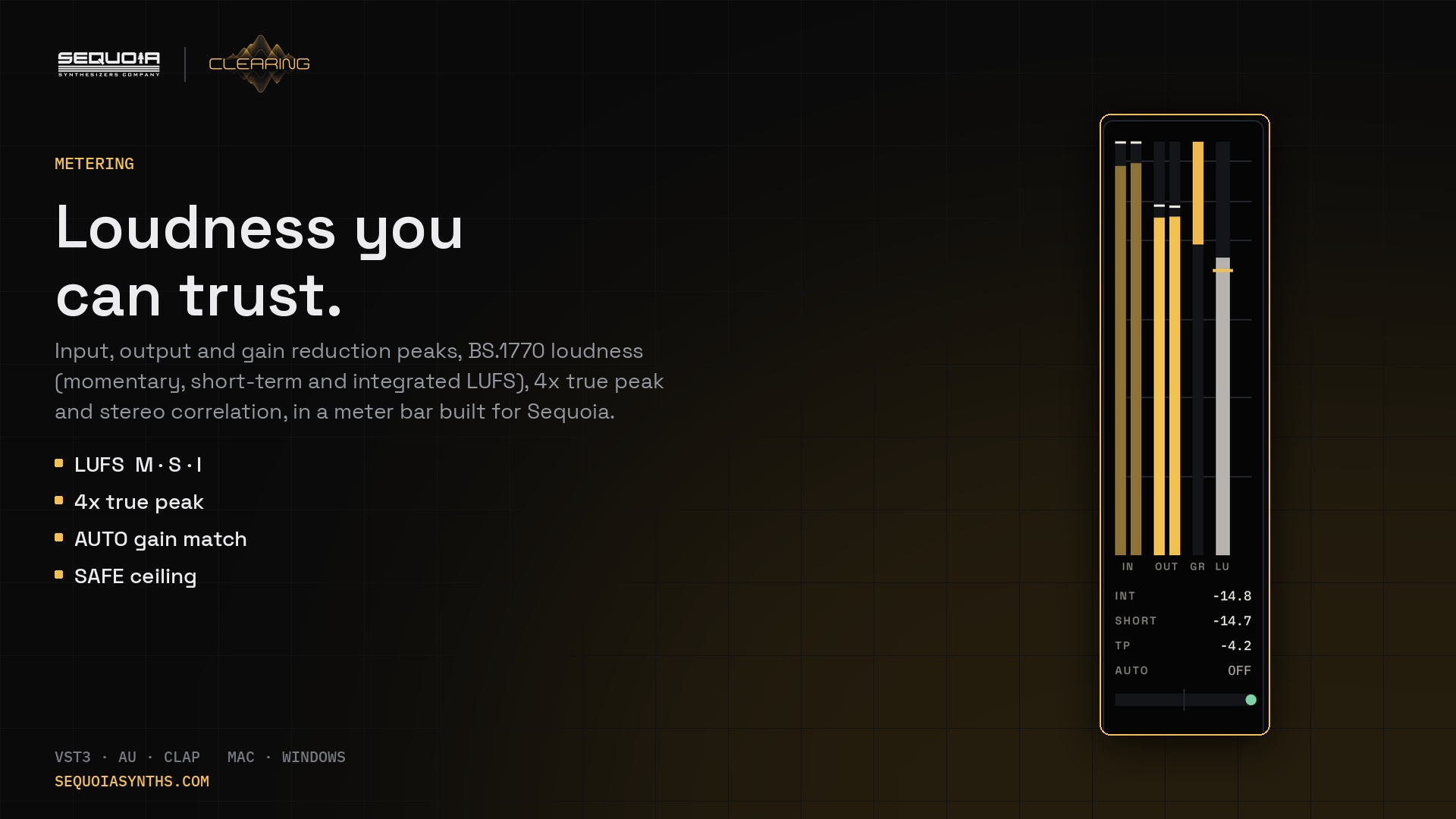
- LUFS momentary, short-term and integrated, 4x true peak
- Stereo correlation, 2x and 4x oversampling
Workflow
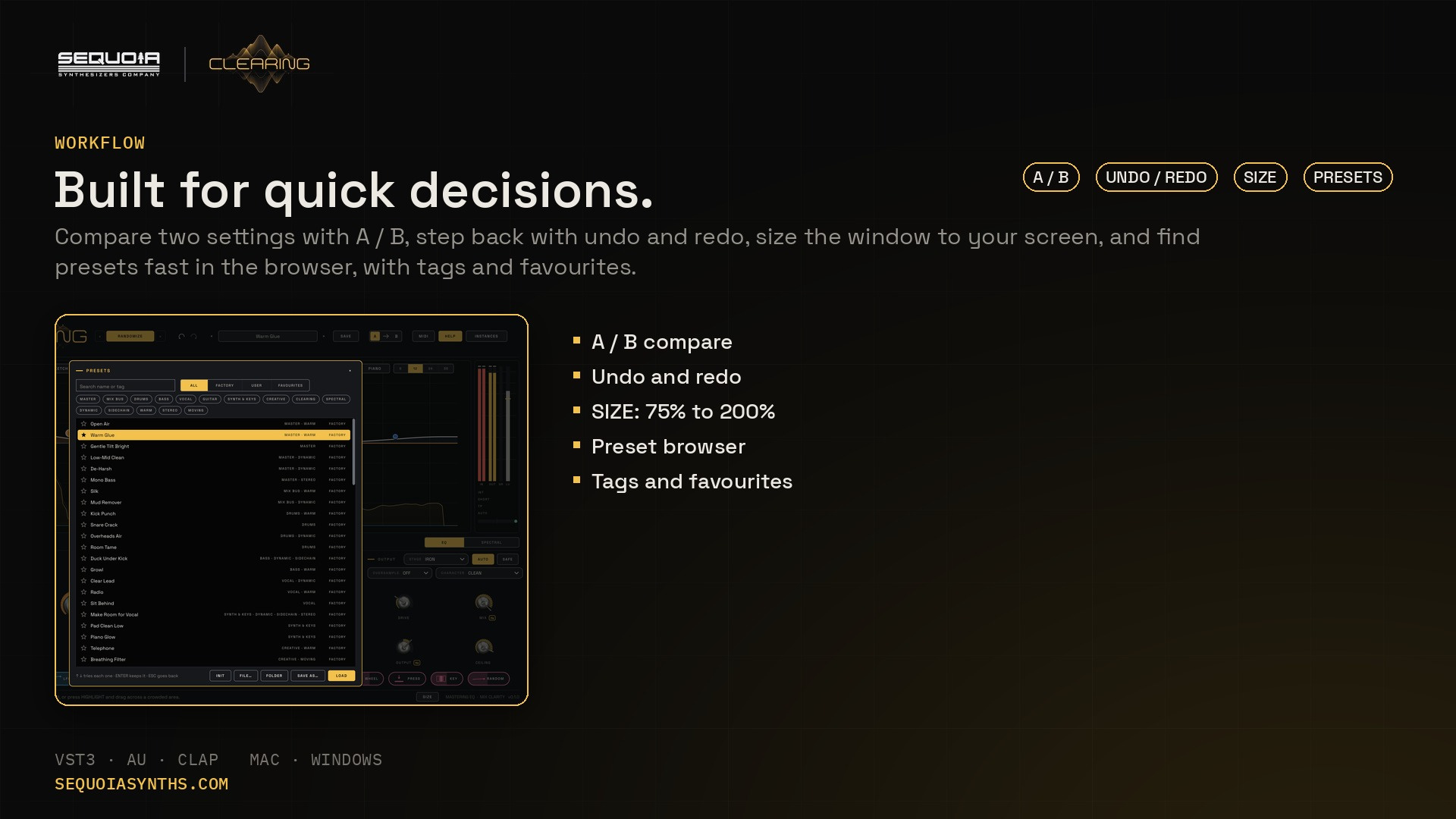
- A / B compare, undo and redo
- Resizable window, 75% to 200%
- Preset browser with tags and favourites
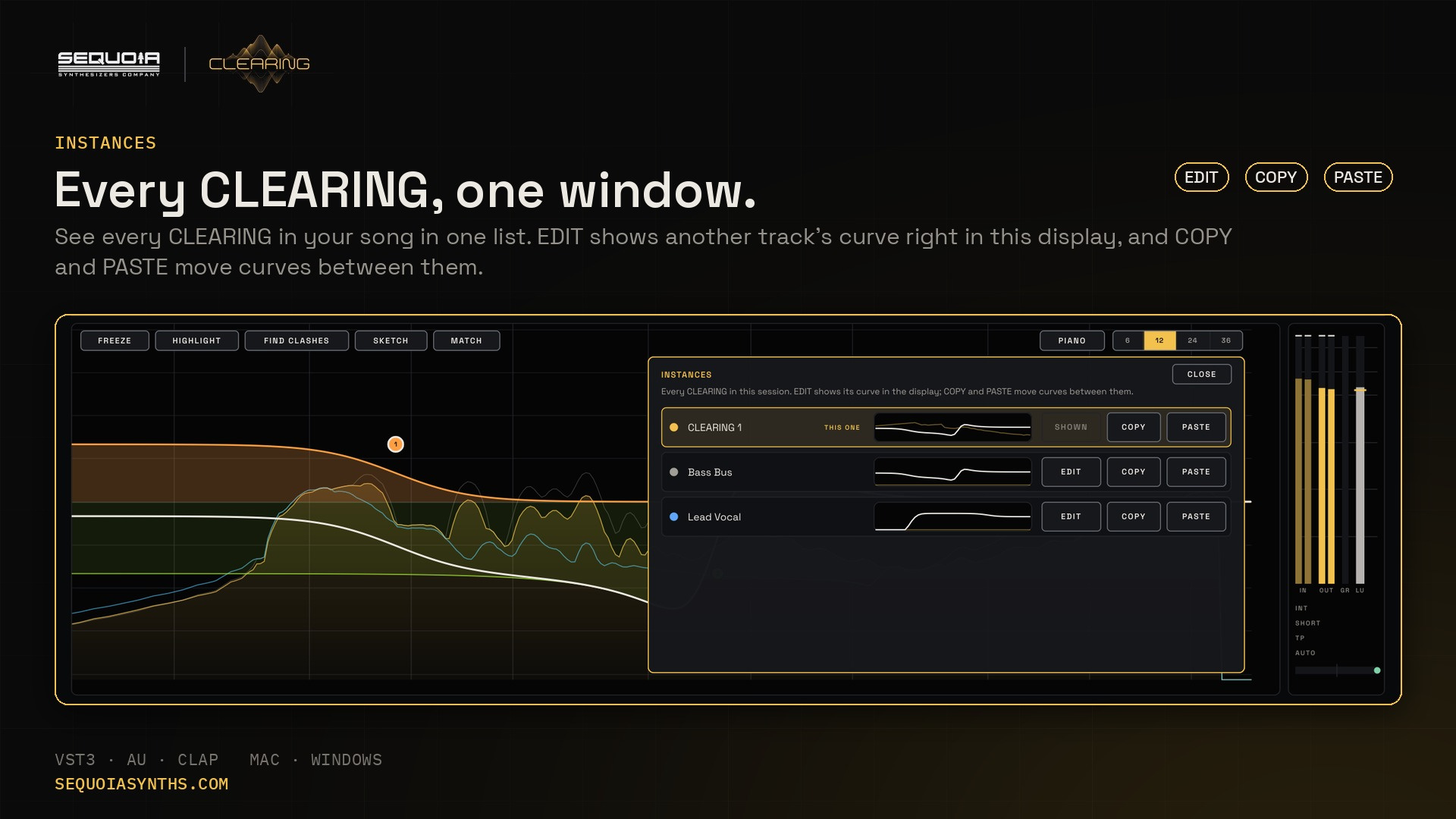
- INSTANCES: every CLEARING in your song in one window, with copy and paste
- ALL TRACKS: see every track's sound and curve on one display, in its own colour, and adjust them from there
See it
Price, formats and specs
- 32 factory presets
- VST3, AU and CLAP
- Mac and Windows
- Help bar that explains every control
- Free updates for as long as you own it
| Formats | Mac: VST3, AU and CLAP · Windows: VST3 and CLAP |
|---|---|
| Systems | Mac (Apple Silicon and Intel) and Windows |
| Type | Audio effect: mono, stereo, sidechain |
| Bands | 24, plus a 48-band spectral sequencer |
| Latency | None (oversampling off) |
| Presets | 32 factory presets |
| Window | 1440 × 900, resizable |
Questions
Is it for mixing or mastering?
Both. Use it on a single track to make room for other sounds, or on the mix bus for broad, analog-style tone shaping with LUFS and true-peak metering.
How do I duck the bass under the kick?
Put CLEARING on the bass and send the kick to its sidechain. Turn on DYNAMIC on a band at the kick's frequency and set LISTEN TO to SIDECHAIN, or let HIGHLIGHT build it for you. The bass dips only while the kick plays.
Does it add latency?
No. With OVERSAMPLE off, CLEARING adds no delay at all, so it is safe on any track while you record.