How to make ambient pads with a wavetable synth
A good ambient pad moves slowly, never sits still and leaves room for everything else. Wavetable synthesis is ideal for it, because scanning through a table changes the tone smoothly over time. Here is a starting recipe and the reasons behind each step.
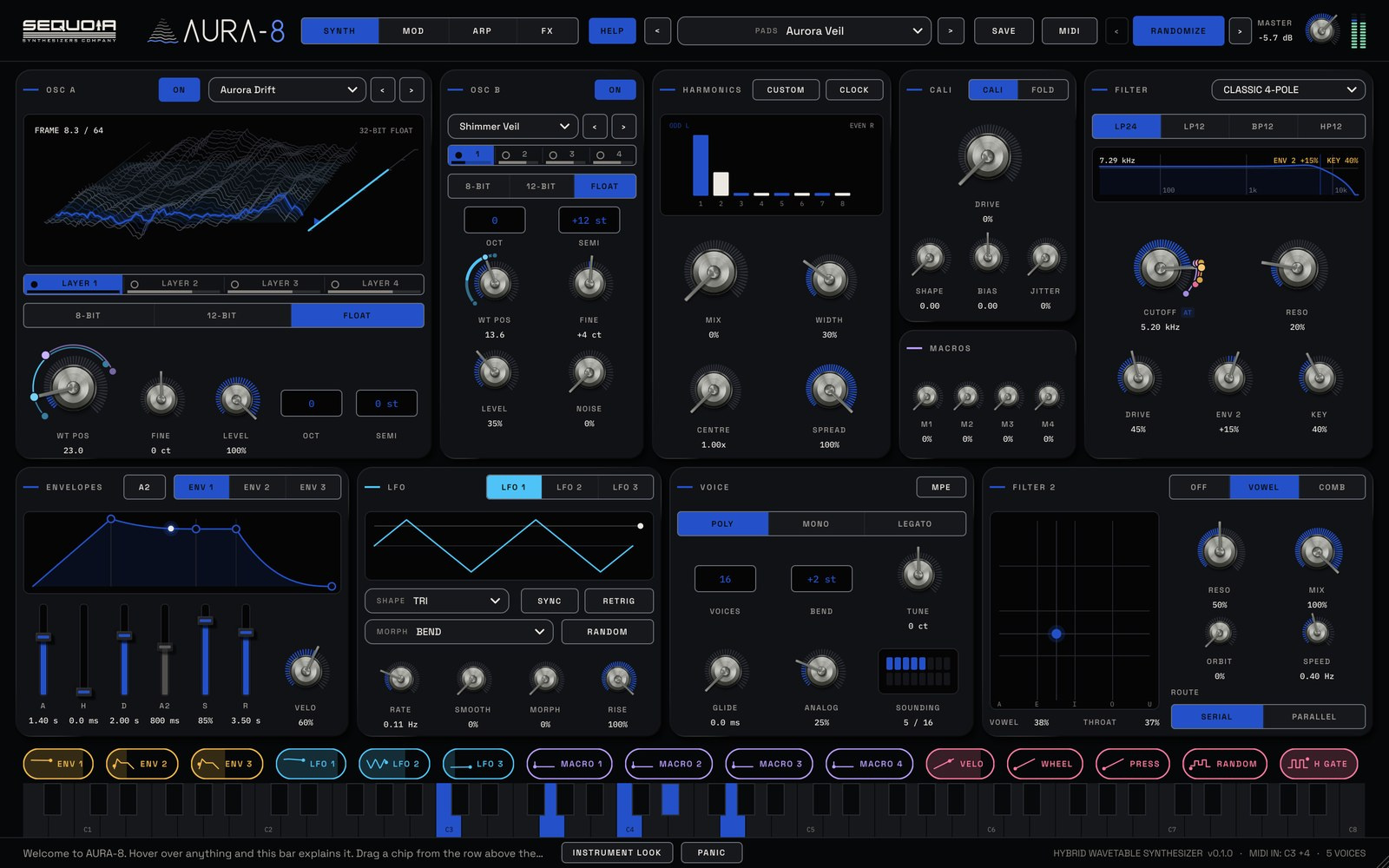
1. Start from a soft wavetable
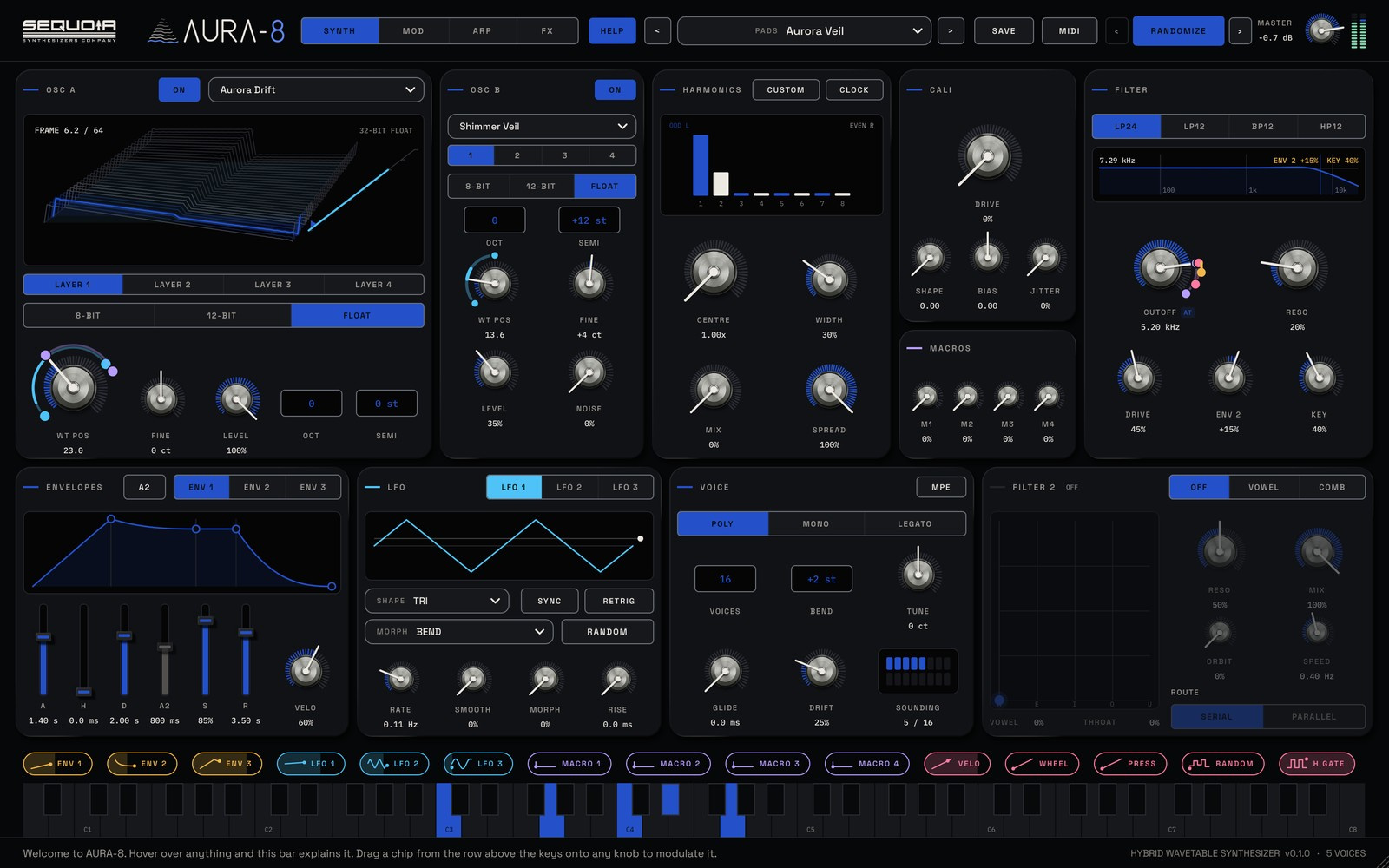
In AURA-8, press INIT and open the TABLE menu on oscillator A. The 100 wavetables come in ten families. For pads, try Additive, Vocal, Glass & Bells or Aura: they have gentle harmonics that stay smooth when scanned. Turn on oscillator B with the same or a related table and detune it a few cents with FINE for slow beating.
2. Slow envelopes
Pads swell rather than strike. Drag the curve of ENV 1 for an attack around one second and a release of three seconds or more, so chords overlap as you change them.
3. Make the table move
Drag the LFO 1 chip onto WT POS, the wavetable position. A coloured arc appears around the knob; drag its two dots to set how far it scans. Keep the LFO slow, or sync it to one or more bars. The pad now changes colour as it plays. Add a second, slower LFO on the filter cutoff and the two never quite line up.
4. Give it a voice
Set FILTER 2 to VOWEL, with ORBIT around 40% and a slow SPEED. The pad starts to talk softly between vowels. This is the Talking Pad recipe from the AURA-8 manual.
5. Warmth and space
On the FX page, add chorus for width and the triple-head TAPE echo with a low mix for depth. FX LEVEL AUTO keeps your level steady as you add effects. For a frozen bed under the chord, try the spectral freeze.
6. Let it breathe
- A little analog drift on the voice keeps long notes alive.
- Use the mod wheel with MIDI MAP to open the filter and move the table with one gesture.
- Play pads with MPE and each note can swell on its own.
- Use RANDOMIZE for a fresh variation; BACK returns to every sound you had.
Then send it to a big reverb. A long, smooth space turns a good pad into a whole atmosphere.