How to layer samples into one playable instrument
Layering is how big sounds are made: a soft attack from one recording, a body from another, air from a third. Done by hand across several tracks it is slow and hard to play. TENFOLD stacks up to ten of your own samples on every note, as one instrument.
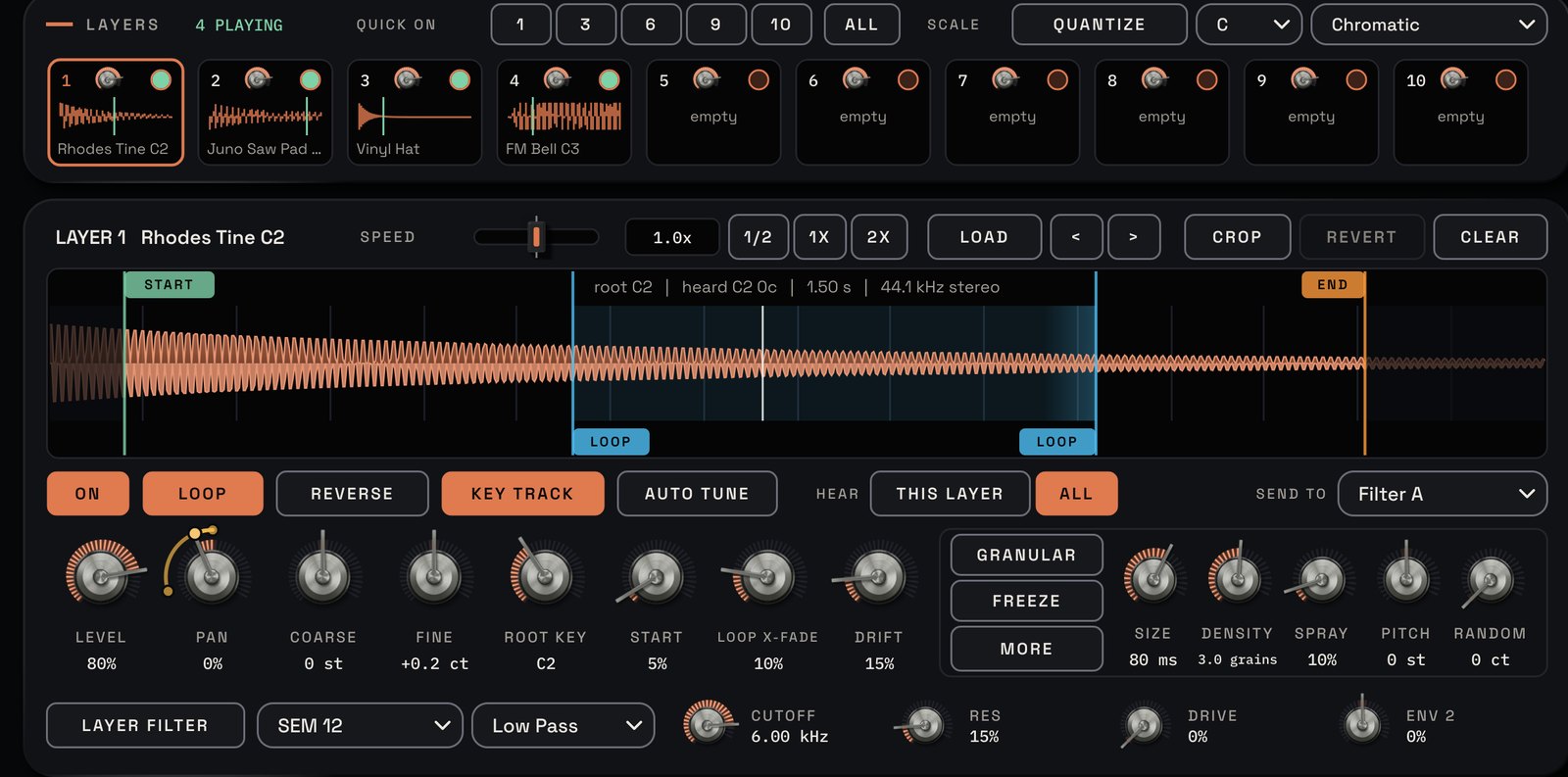
1. Drop your samples on the cards
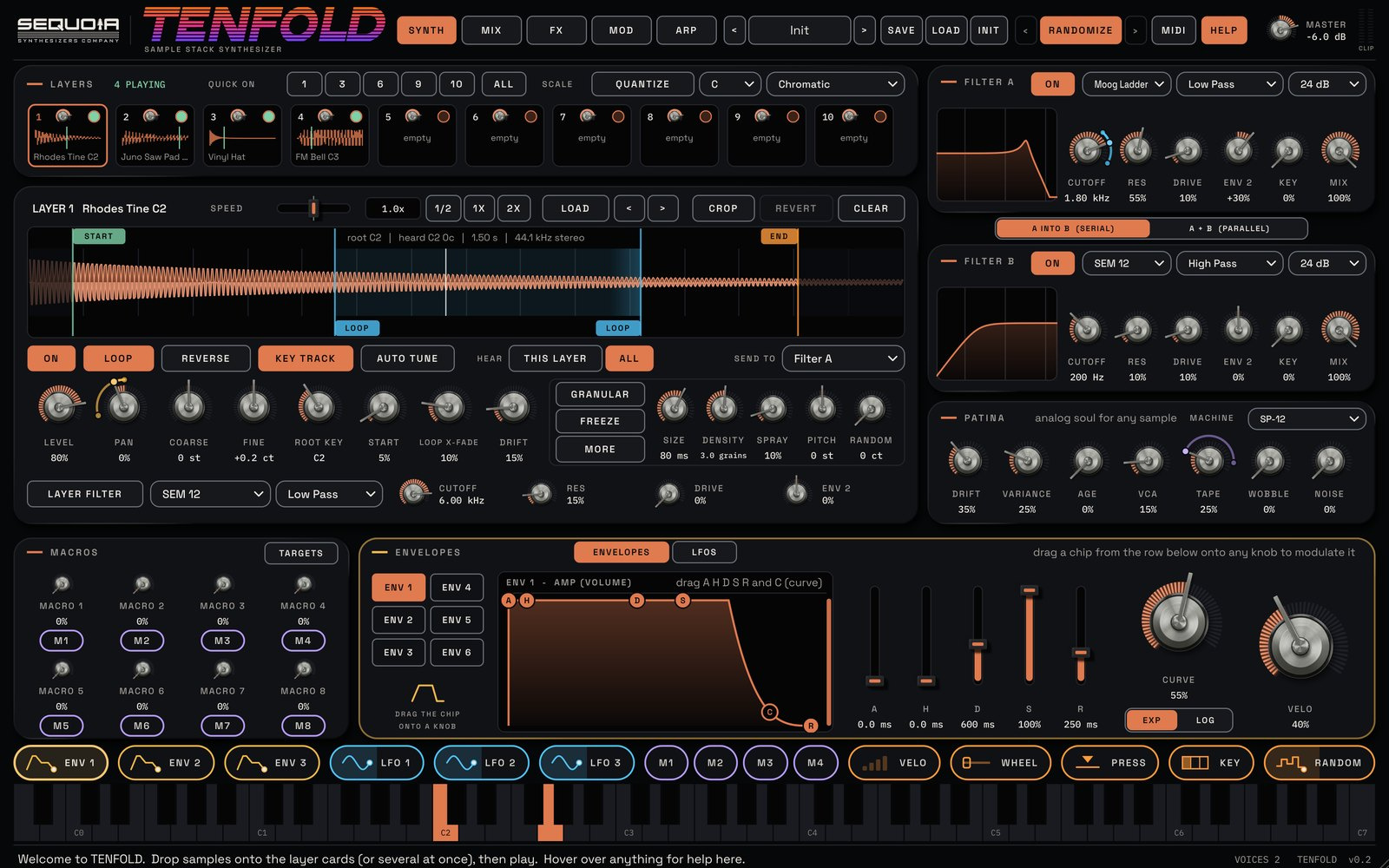
The LAYERS strip at the top of TENFOLD's SYNTH page holds ten layer cards. Drop one audio file on a card, or several files at once: they fill that card and the ones after it and switch them on. Every note you play triggers every layer that is on.
2. Get them in tune
AUTO TUNE reads each sample's pitch and sets its root key and fine tuning for you, so layers recorded in different keys play together. For a fuller sound, tune one layer an octave or a fifth up with COARSE and FINE.
3. Pick the best part of each sound
In the sample editor, set START, END and LOOP markers. Use the attack of one sample and loop the sustained body of another. SPEED changes time without changing pitch, so a long swell can be stretched under a short pluck.
4. Balance with levels and filters
Each card's small dial sets that layer's level. Every layer also has its own filter, so you can keep one layer's lows and another's highs instead of letting them fight. The MIX page shows all ten layers side by side.
5. Make it sound like one instrument
PATINA makes any sample sound analog. DRIFT adds slow pitch and cutoff wander per voice, VARIANCE makes each voice a slightly different circuit so chords breathe, and VCA softly saturates each voice. TAPE, WOBBLE and NOISE glue the whole stack together.
A recipe to try
The manual's analog pad from one sample: load a sustained sample on layers 1 and 2 with LOOP on both, set layer 2 to +12 coarse and +7 fine, give ENV 1 an attack around 1.5 s and release around 3 s, filter A on the ladder model around 2 kHz, then PATINA with DRIFT 30%, TAPE 30% and WOBBLE 20%, and chorus then reverb.
Play it
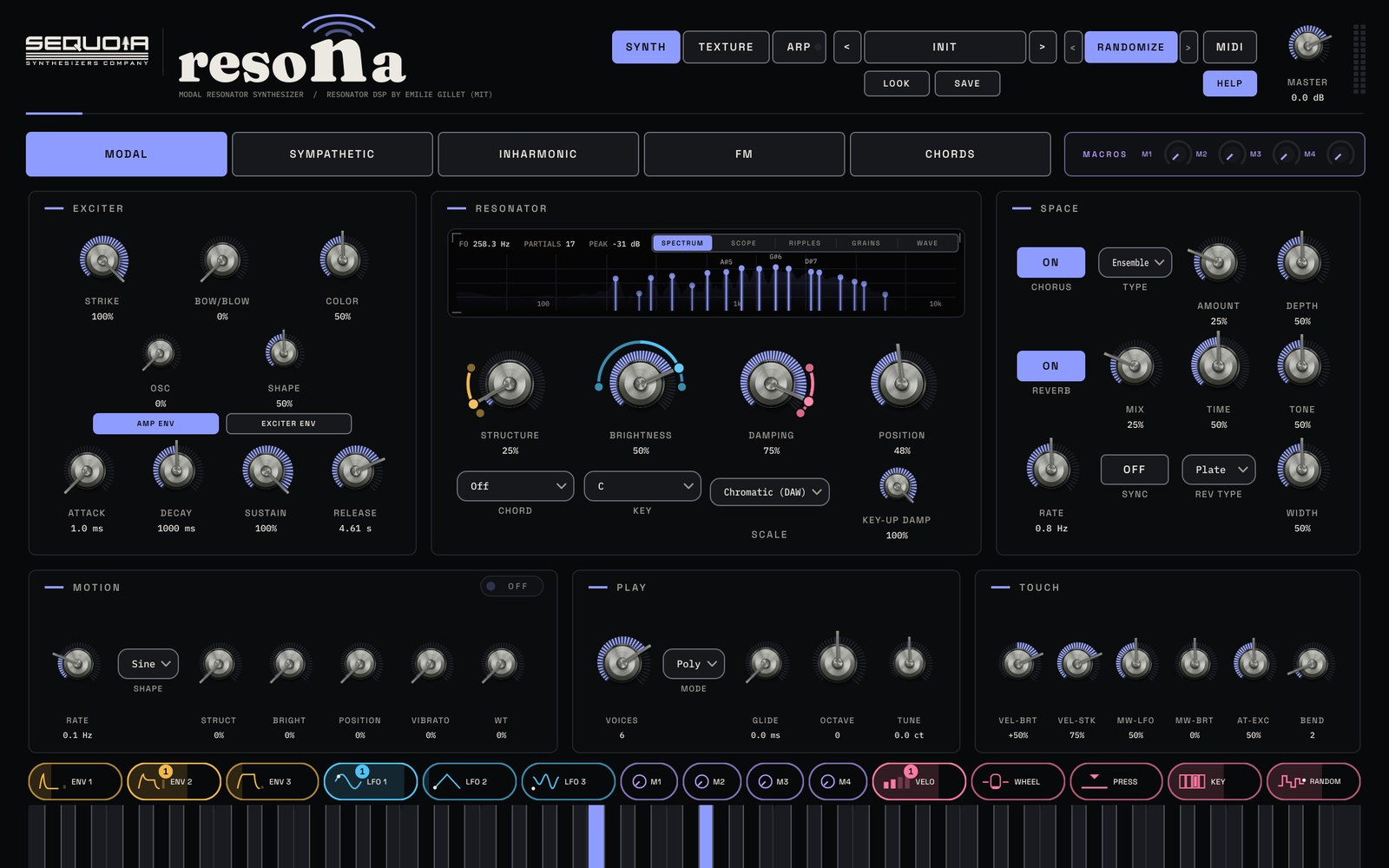
Six envelopes and six LFOs drag onto any parameter as CHIPS. QUICK ON switches layers 1, 3, 6, 9 or all ten on in one click, so you can hear how the stack builds. Use QUANTIZE to keep everything in the key and scale of your song.
Try it with TENFOLD
Sample stacking synth and granular sampler plugin. See TENFOLD →
$9935% off for the sign-up list at launchStore links and the 14-day free trial go live at launch. The trial just needs a free Sequoia account.