Minimal techno drum patterns: swing, ghost notes and polymeter
Minimal techno is about what you leave out. A plain kick, a short off-beat hat, a loose clap and percussion that slowly drifts against the bar. Small timing details do the work that extra sounds do in other styles.
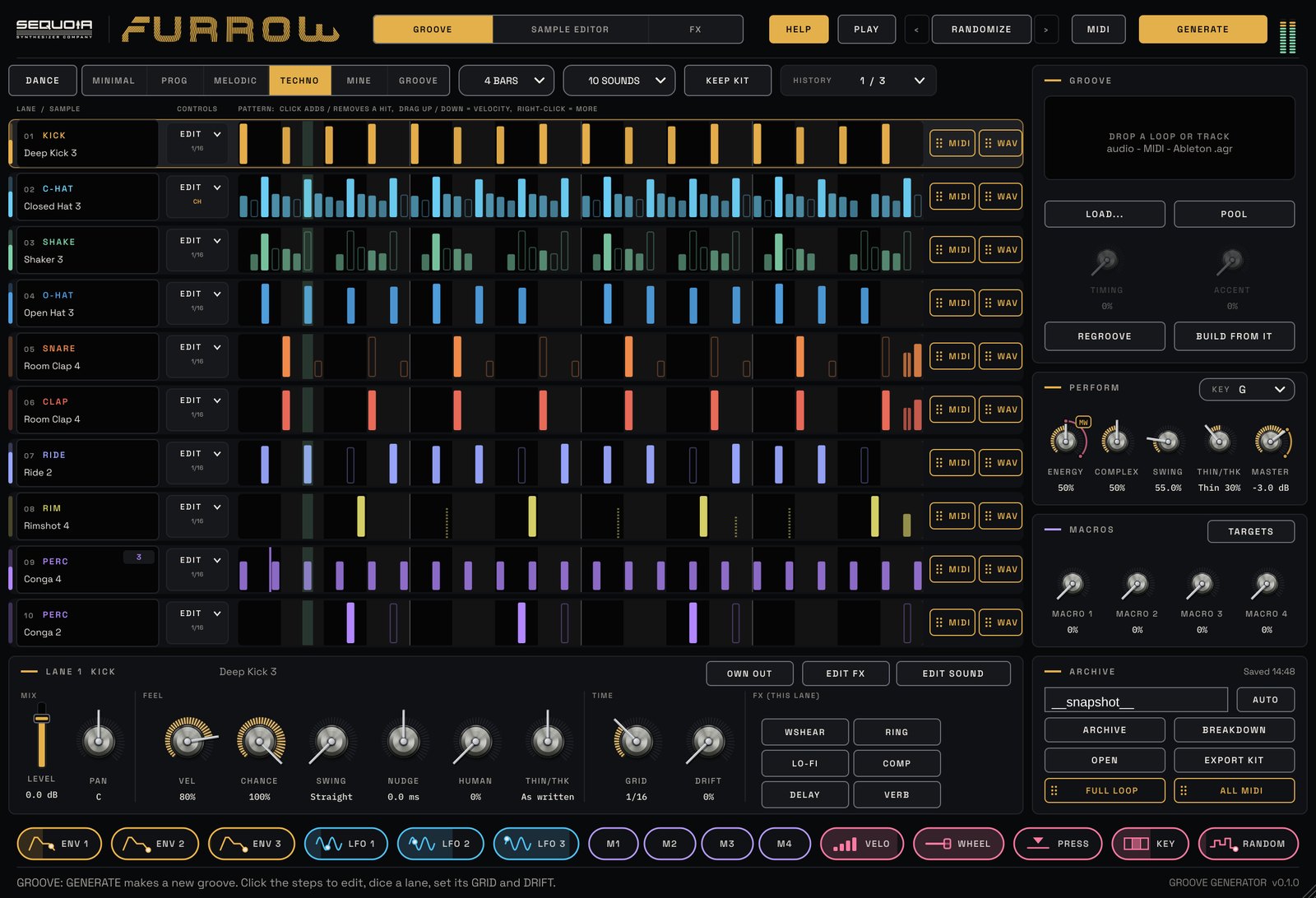
The ingredients
- A plain kick on every beat, with soft ghost kicks that sit a little late and move around.
- A short closed hat on the off-beat with faint 16ths, never on the kick. Open hats are rare.
- A looser clap, often with a ghost hit before the next bar.
- Plenty of swing: around 59% MPC-style swing is a typical home for minimal.
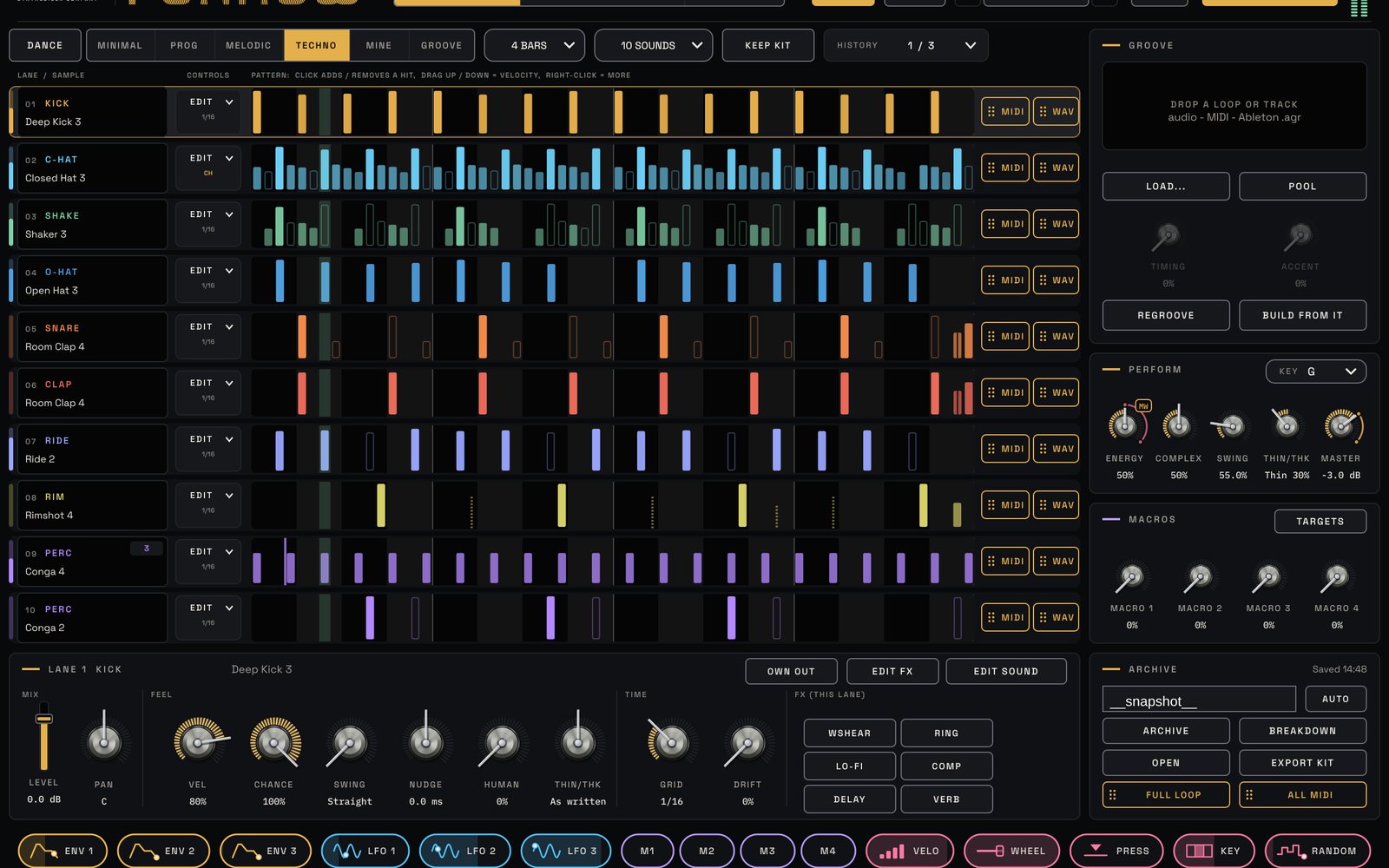
That is exactly how the Minimal style in FURROW writes. Pick it in the STYLE menu and press GENERATE for a starting point.
Swing and timing
Global SWING runs from 50% (straight) to 75%. 54% just loosens a groove, 58 to 61% swings deeply and 66% is a full triplet feel; the kick never swings. Each lane also has its own swing amount, from straight to three times the global value, and NUDGE moves a whole lane early or late by up to 60 ms. Late hats lay back; early rims push.
Rolling polymeter percussion
This is the signature minimal trick: a percussion loop that is shorter or longer than the bar, so it lands somewhere new every time round. In FURROW, open a PERC lane's EDIT drop-down and set LENGTH to 5 or 7 steps. Add DRIFT at 10 to 20% so hits slip to a neighbouring step now and then, and HUMAN at about 20%. For a second layer, set another PERC lane's GRID to 1/16T so it swings hard against the straight 16ths.
Keep it moving without adding sounds
- CHANCE lets each hit play only some of the time, so the loop never repeats exactly.
- SCATTER throws a few random hits onto empty steps, different every time round.
- THIN/THK thins or thickens the groove live, picking different hits on every sweep, while the four-on-the-floor stays.
Kick pumps the hats
For the breathing feel of minimal grooves, set ENV 1 to trigger from lane 1 with a short attack and decay, drag the ENV 1 chip onto the hat lane's LEVEL and pull the arc below zero. Each kick now ducks the hats a little.
When the groove sits, drag it into your song as audio or MIDI, or use the ten separate lane outputs to mix each part on its own channel.
Try it with FURROW
Drum groove generator plugin for techno and house. See FURROW →